Screenshots
Barrel Brain on a demo workspace. Every screenshot is taken by an acceptance test. Features still in development are left out until they ship.
Office
Word report
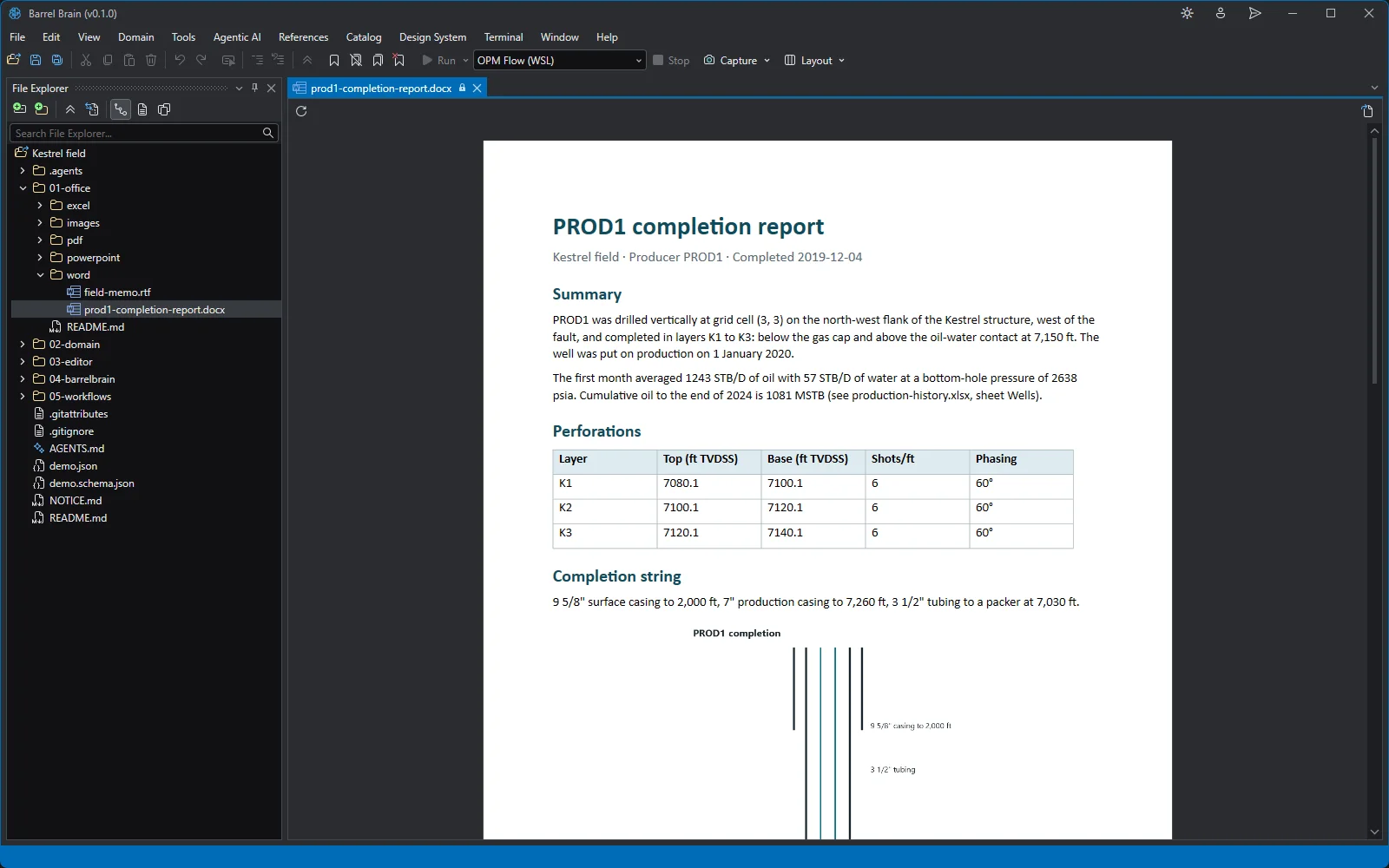
The PROD1 completion report in Word: headings, the perforation table and the embedded well schematic, read-only in the document viewer. Excel workbook
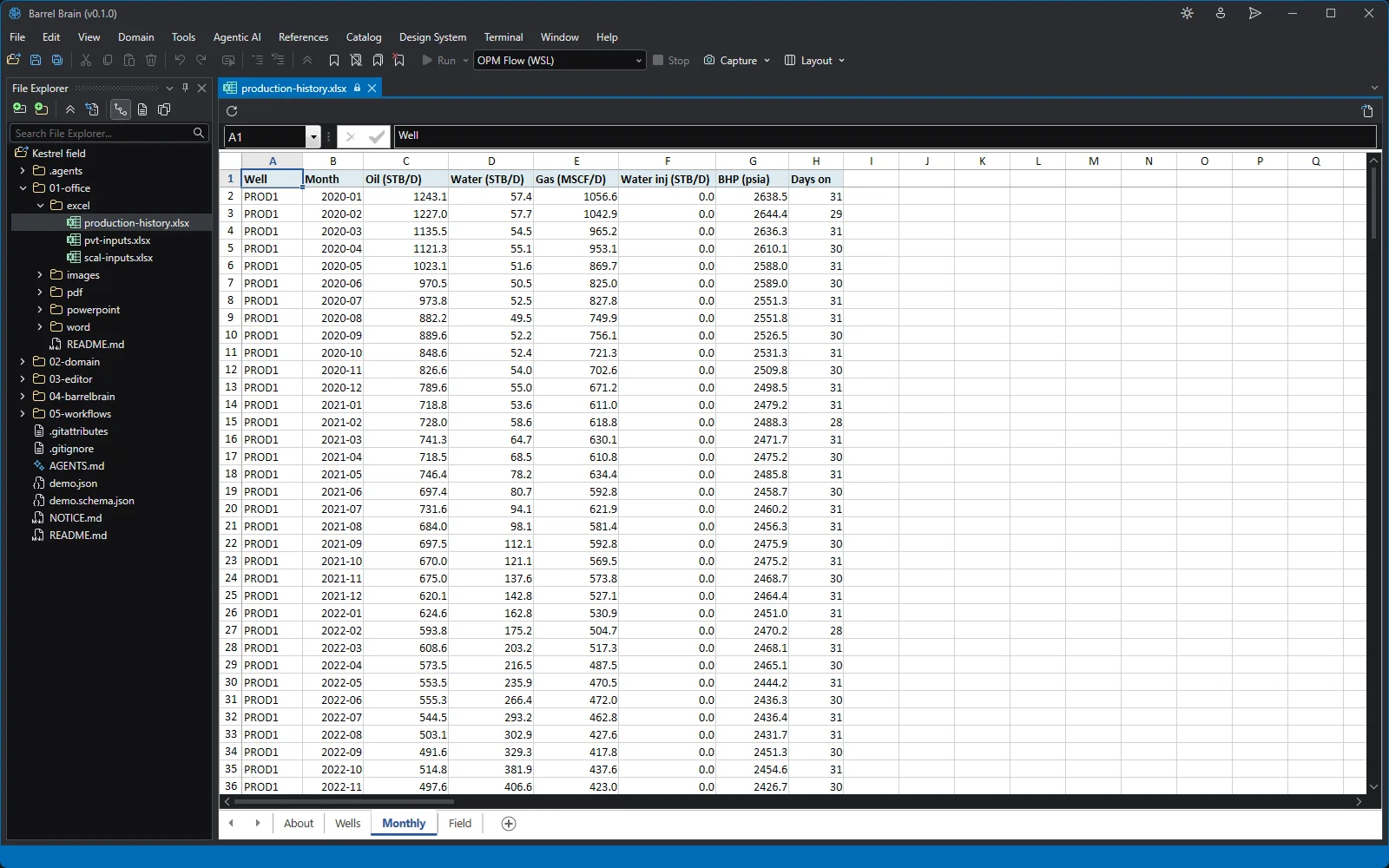
Five years of Kestrel monthly production in Excel: one row per well and month, in the spreadsheet viewer. PVT workbook
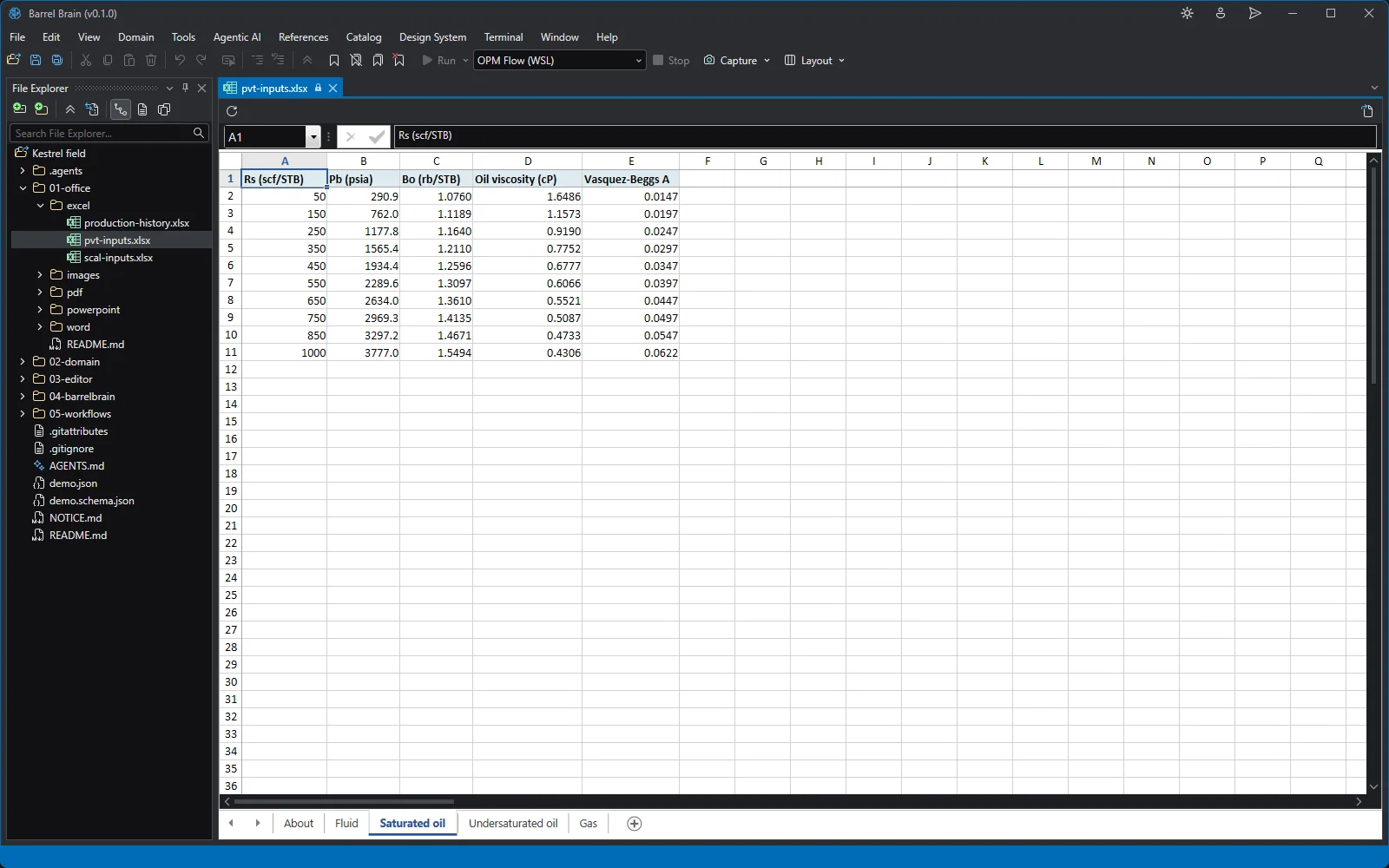
The saturated-oil table of the PVT workbook: bubble point, Bo and viscosity by Rs, each a correlation written as a formula. SCAL workbook
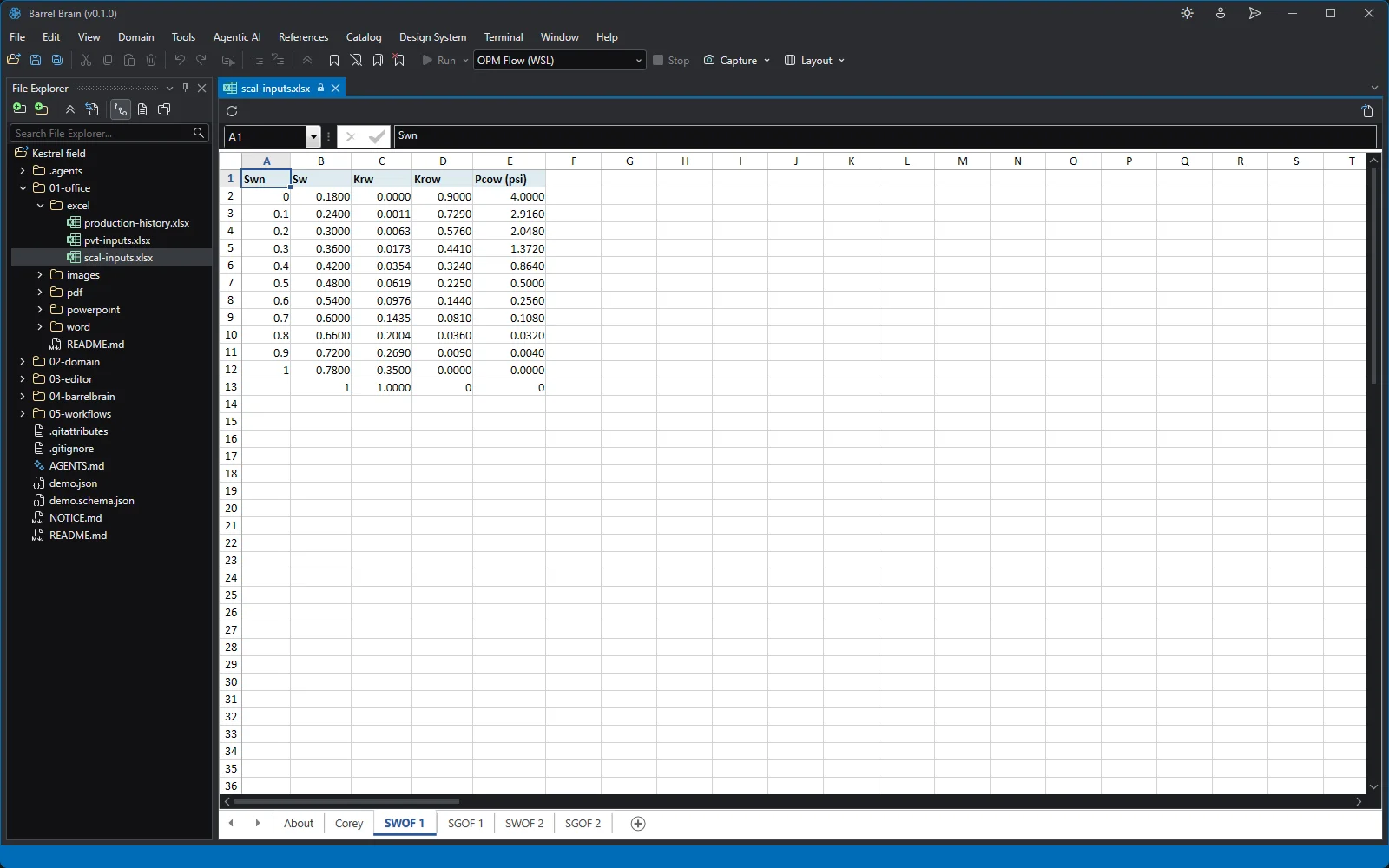
The channel sand's SWOF table in the SCAL workbook: water and oil relative permeability and capillary pressure from Corey curves. PowerPoint deck
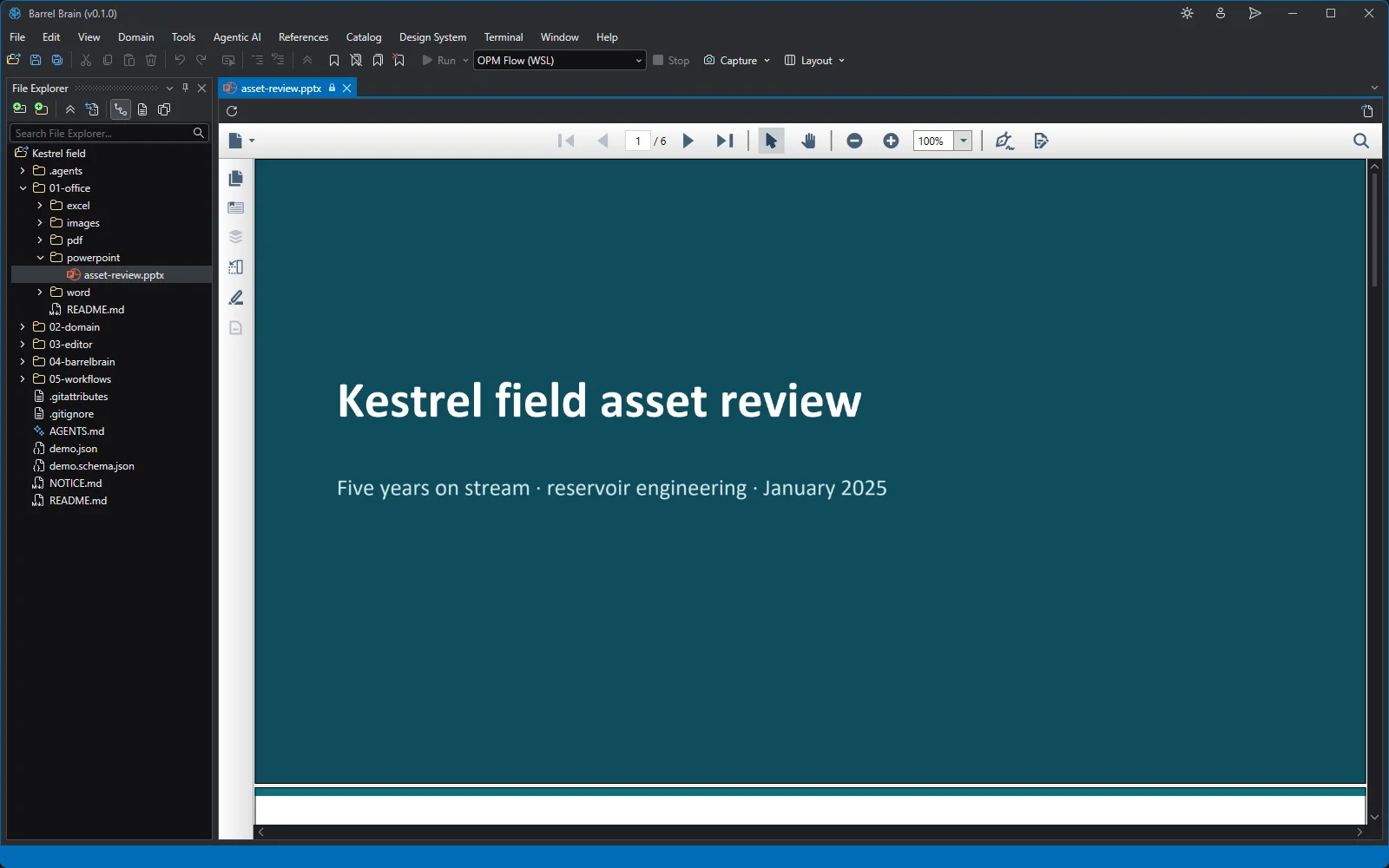
The Kestrel asset review deck in the presentation viewer. PDF report
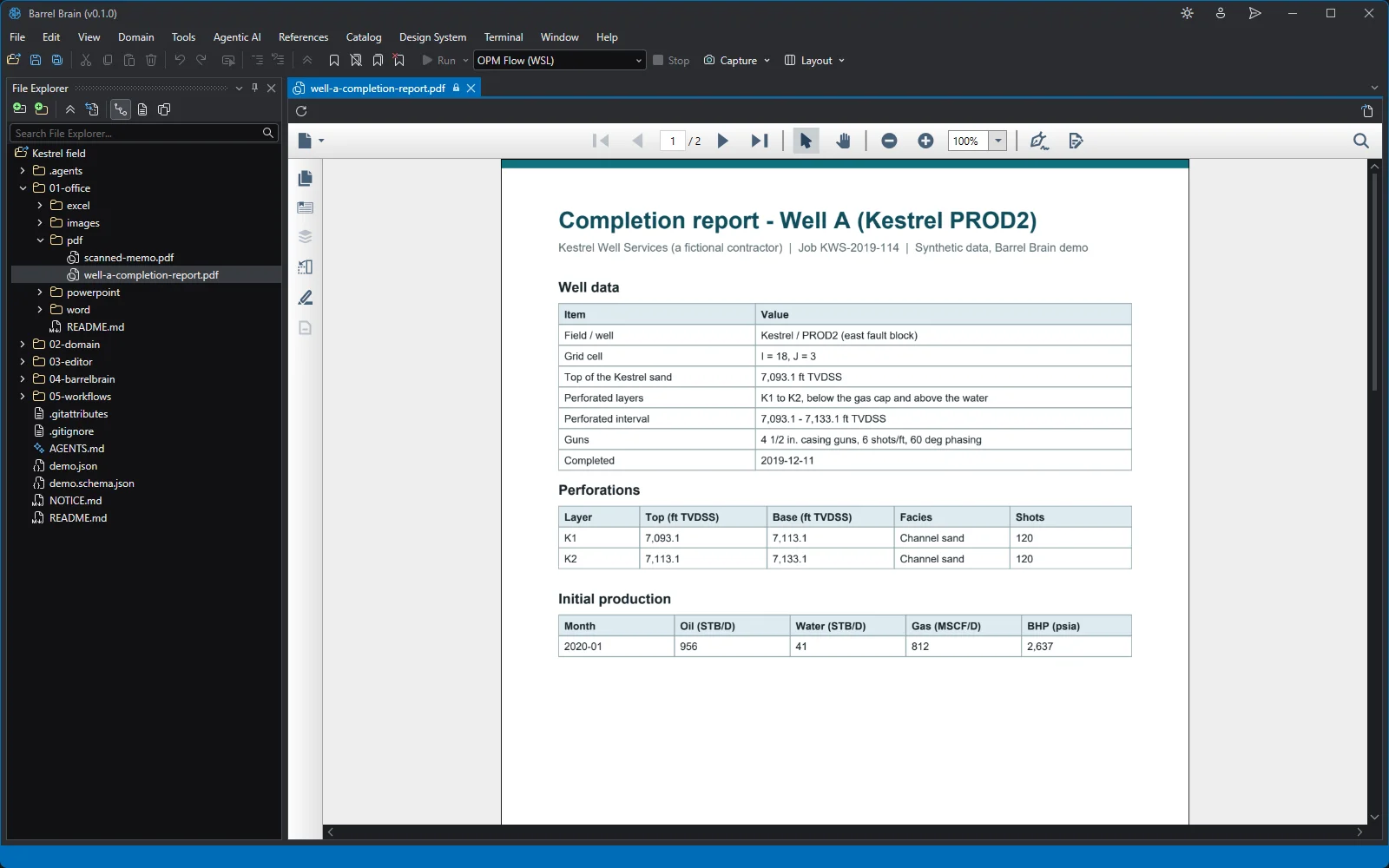
A service company completion report on PROD2 in the PDF viewer. Scanned PDF
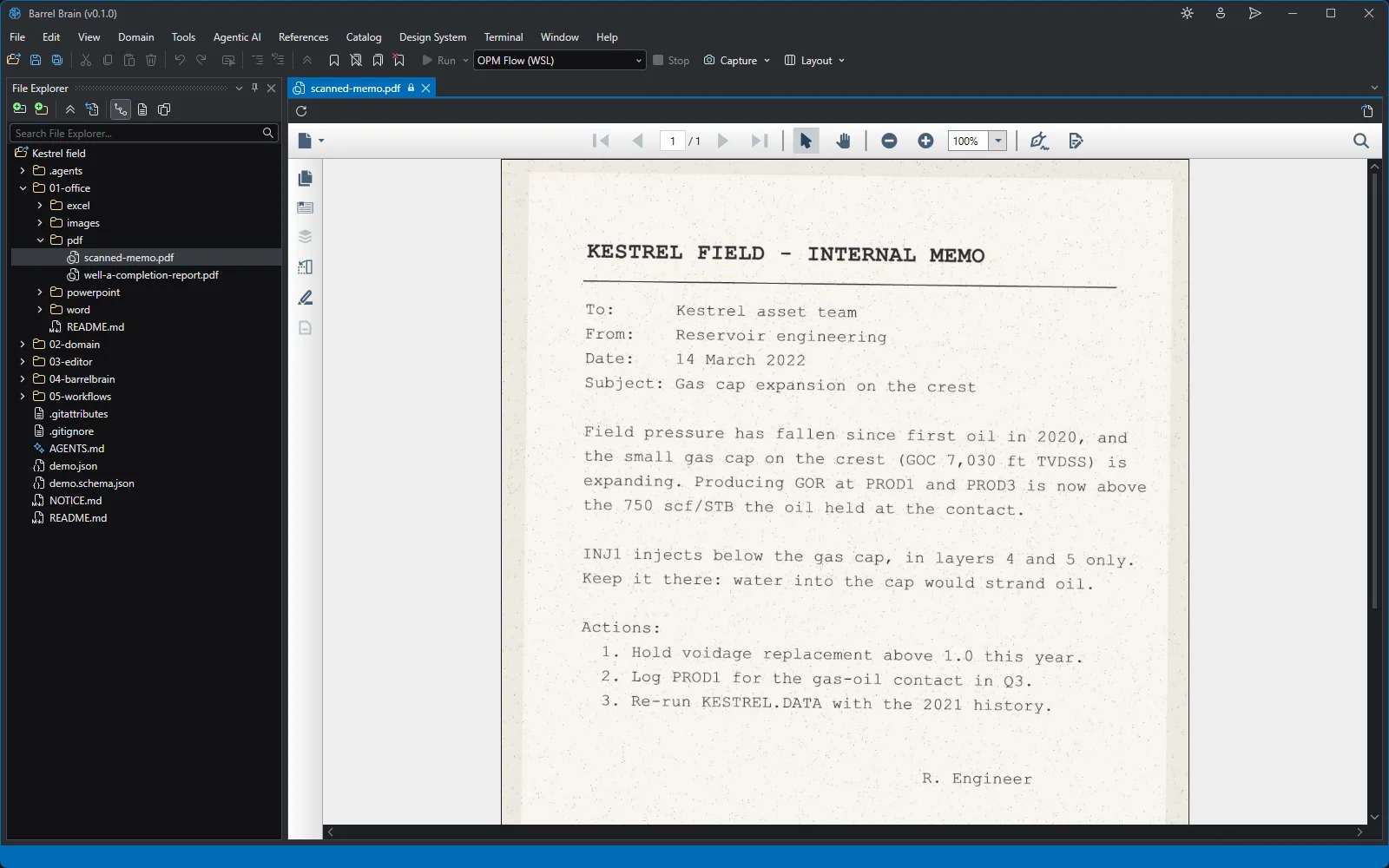
A scanned memo: a PDF page that is a picture, with no text layer. Field map
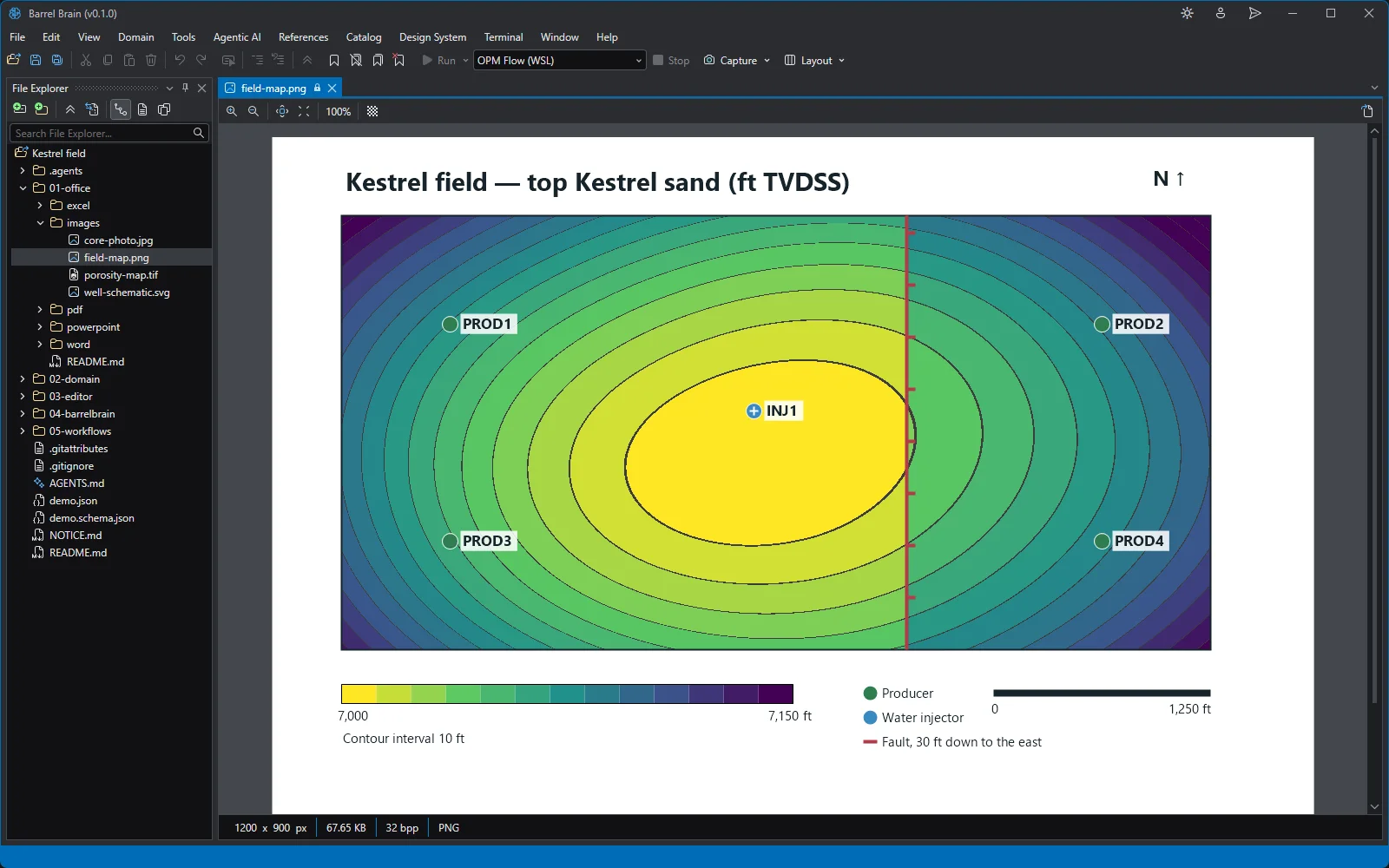
The Kestrel top-structure map: the anticline, the fault and the five wells, in the image viewer.
Reservoir
Deck editor
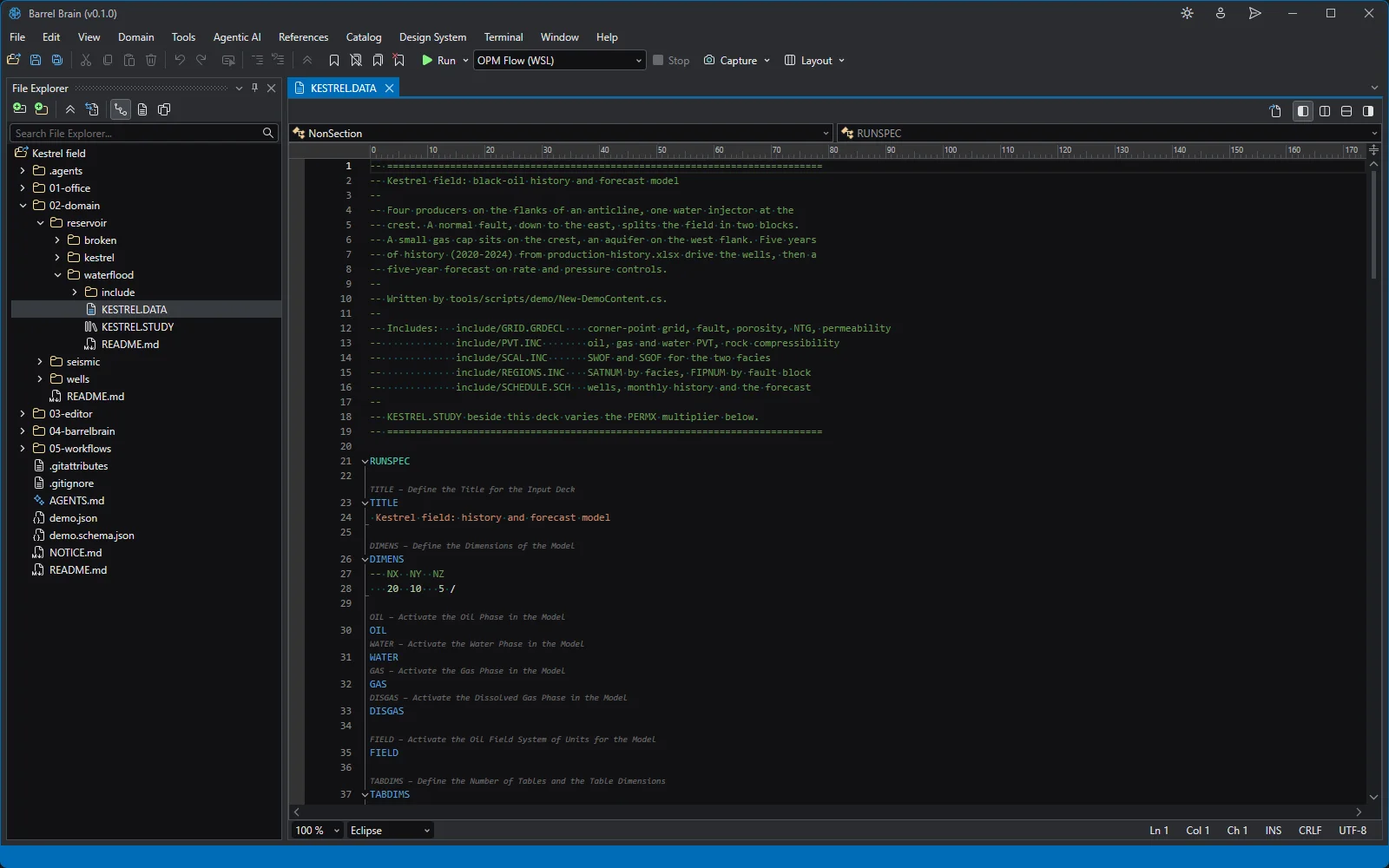
The Kestrel deck in the editor, with Eclipse keyword highlighting and its five includes. Deck Explorer
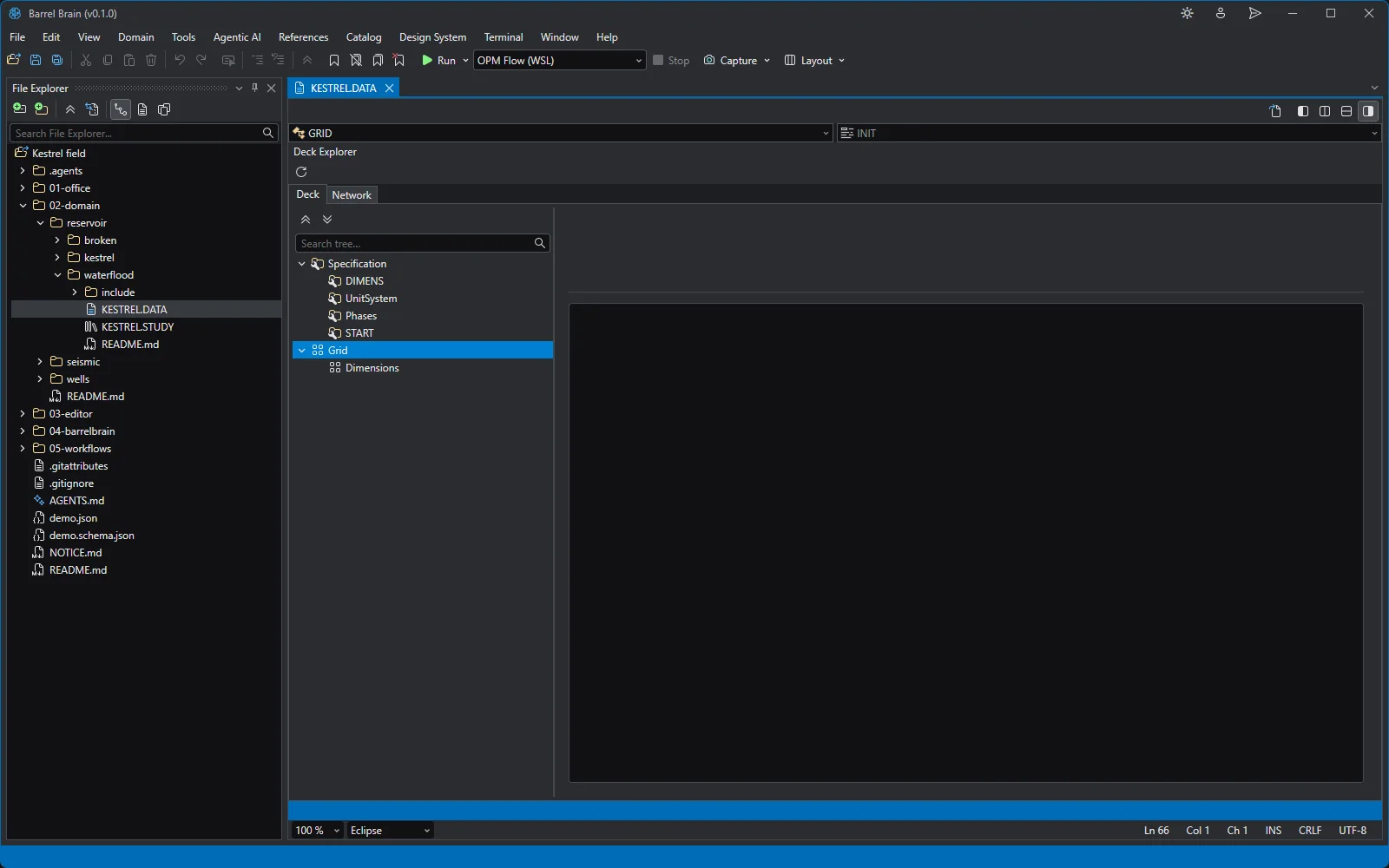
Open Preview shows the deck as a structure: sections, keywords and the includes they pull in. Include file
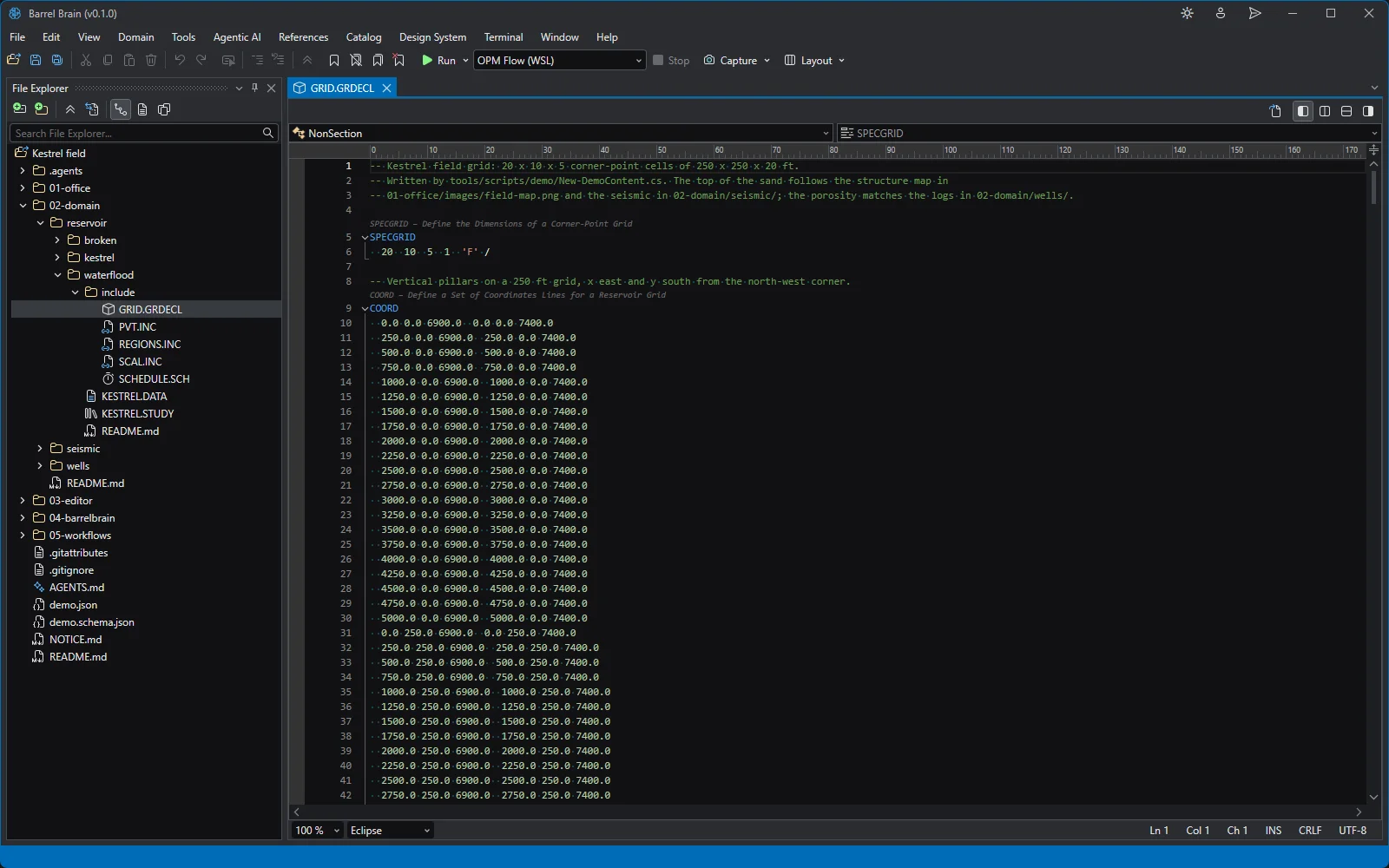
The corner-point grid include: SPECGRID, COORD and ZCORN, the fault and the rock properties. Error List
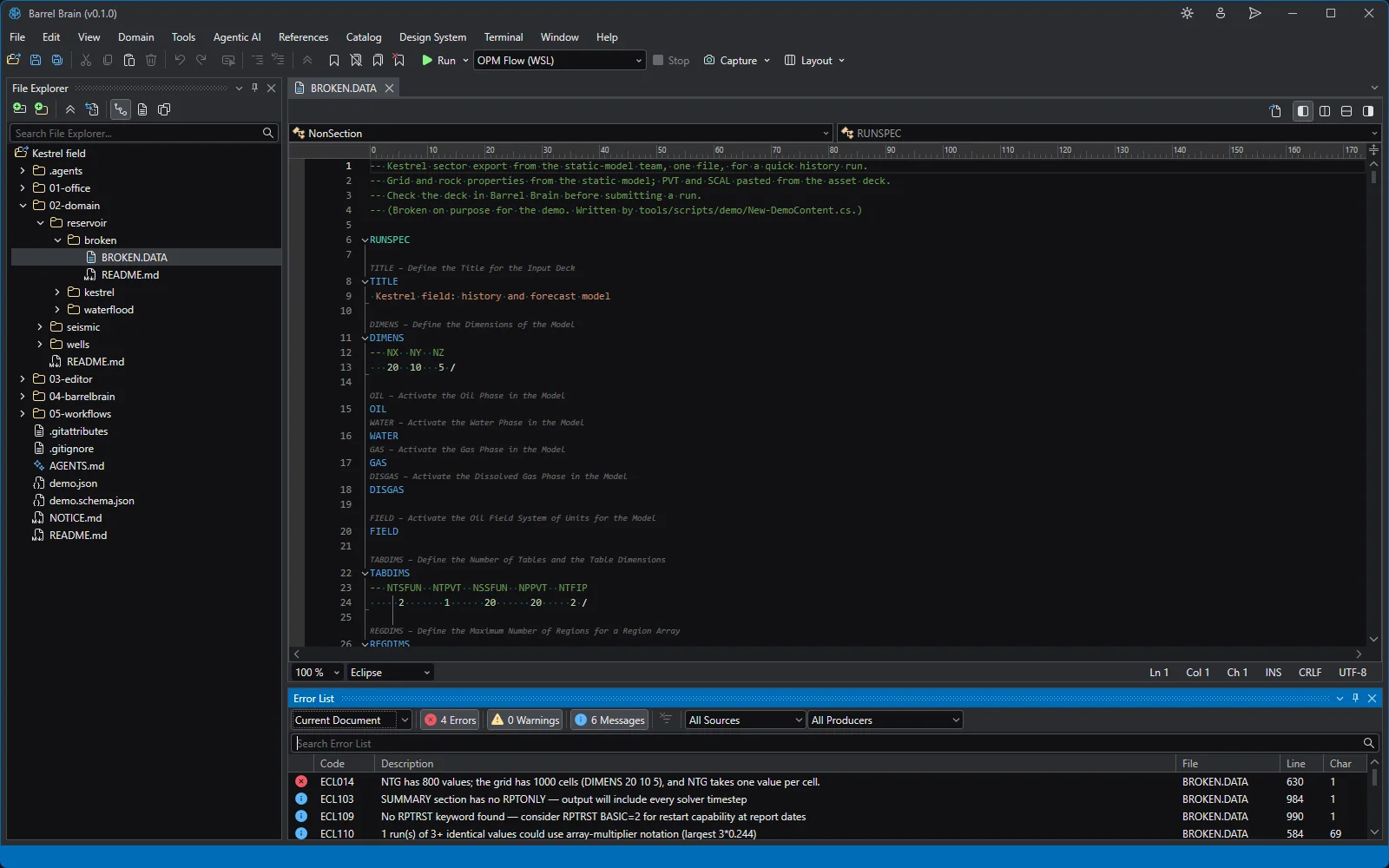
A deck with mistakes and the Error List for it: an unclosed SWOF table, an NTG array one layer short. Sensitivity study
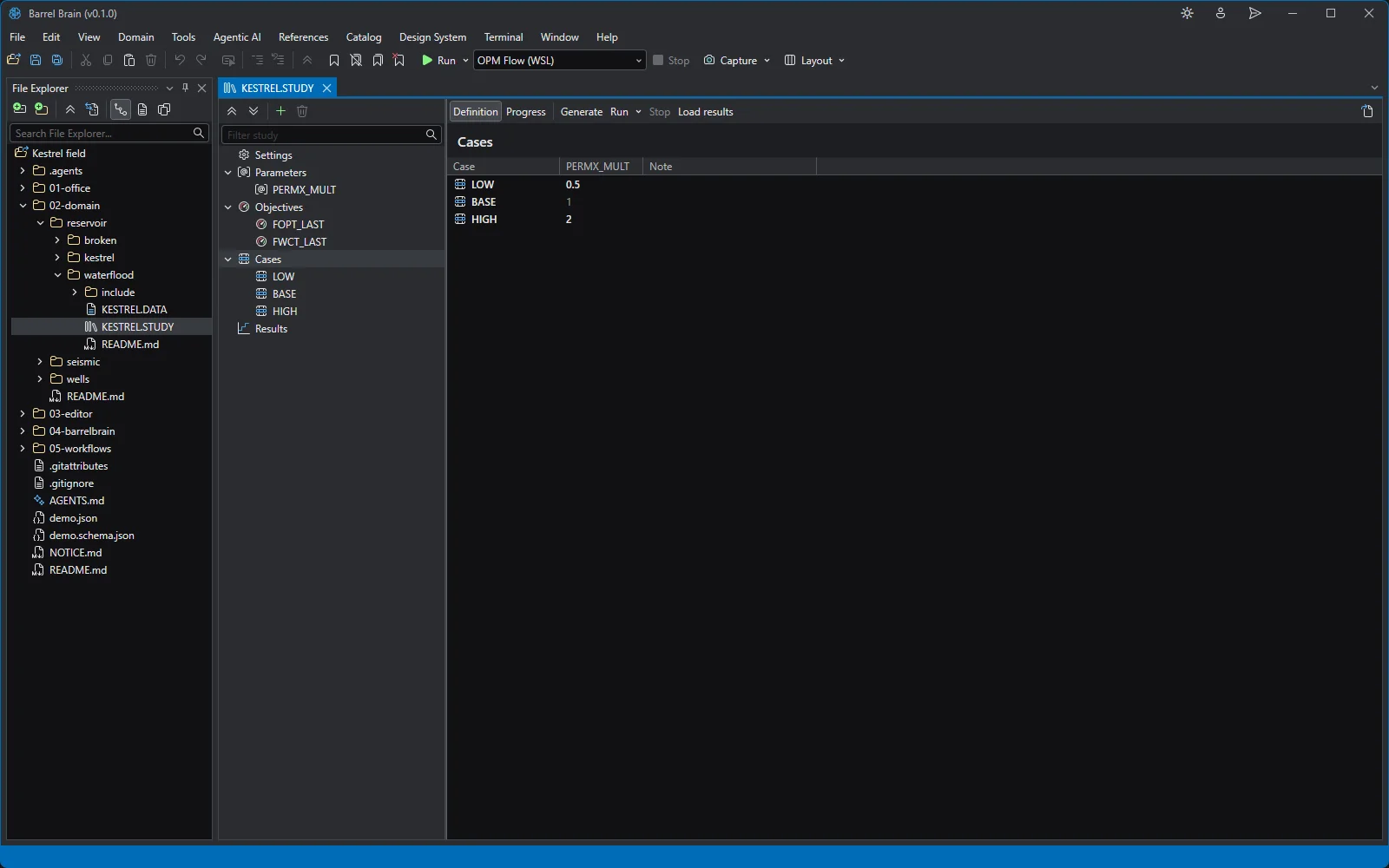
A sensitivity study over the Kestrel deck: the PERMX multiplier at 0.5, 1 and 2, and two objectives. 3D grid: pressure
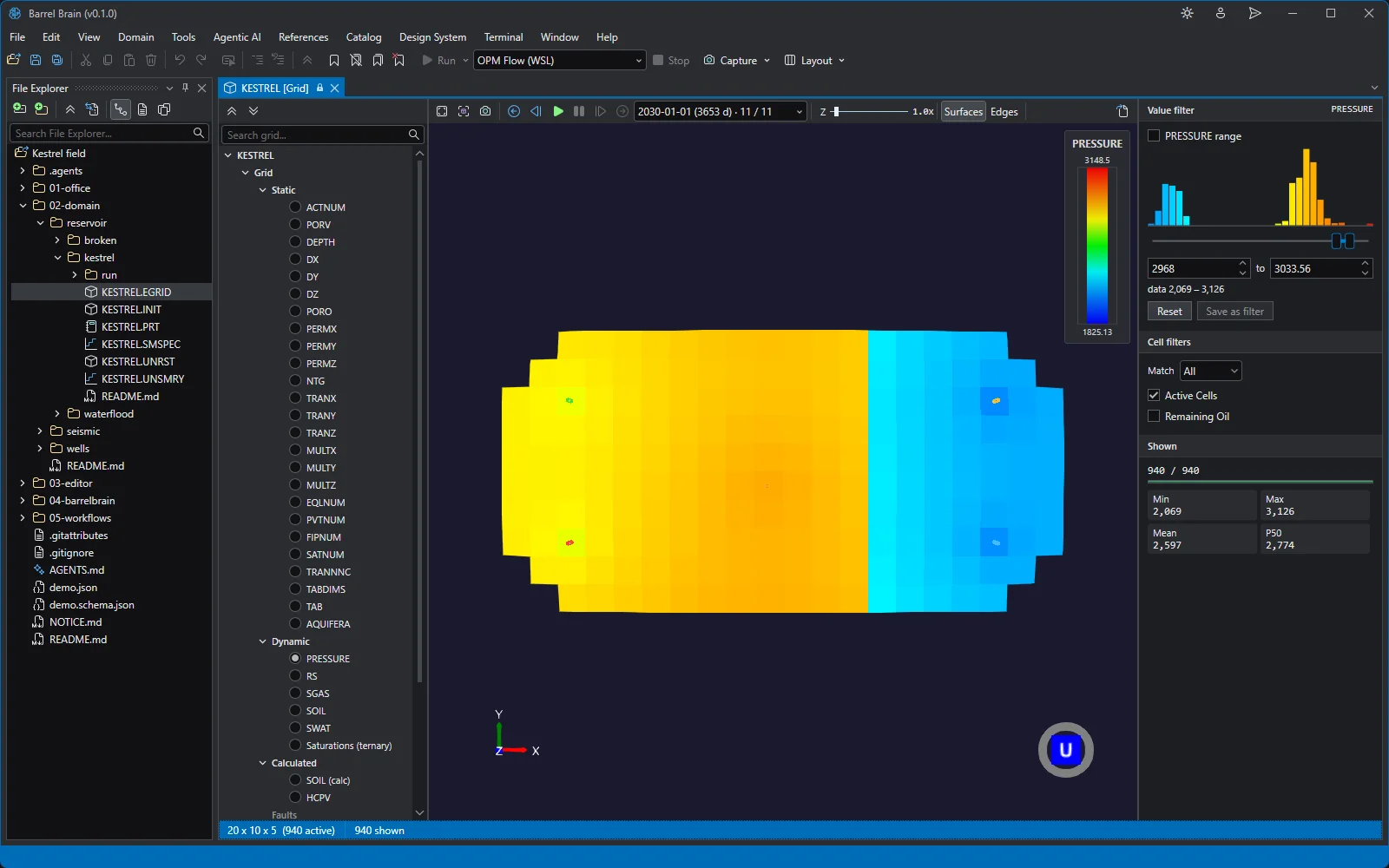
The Kestrel grid in 3D at its last restart step, January 2030, coloured by pressure. 3D grid: saturations
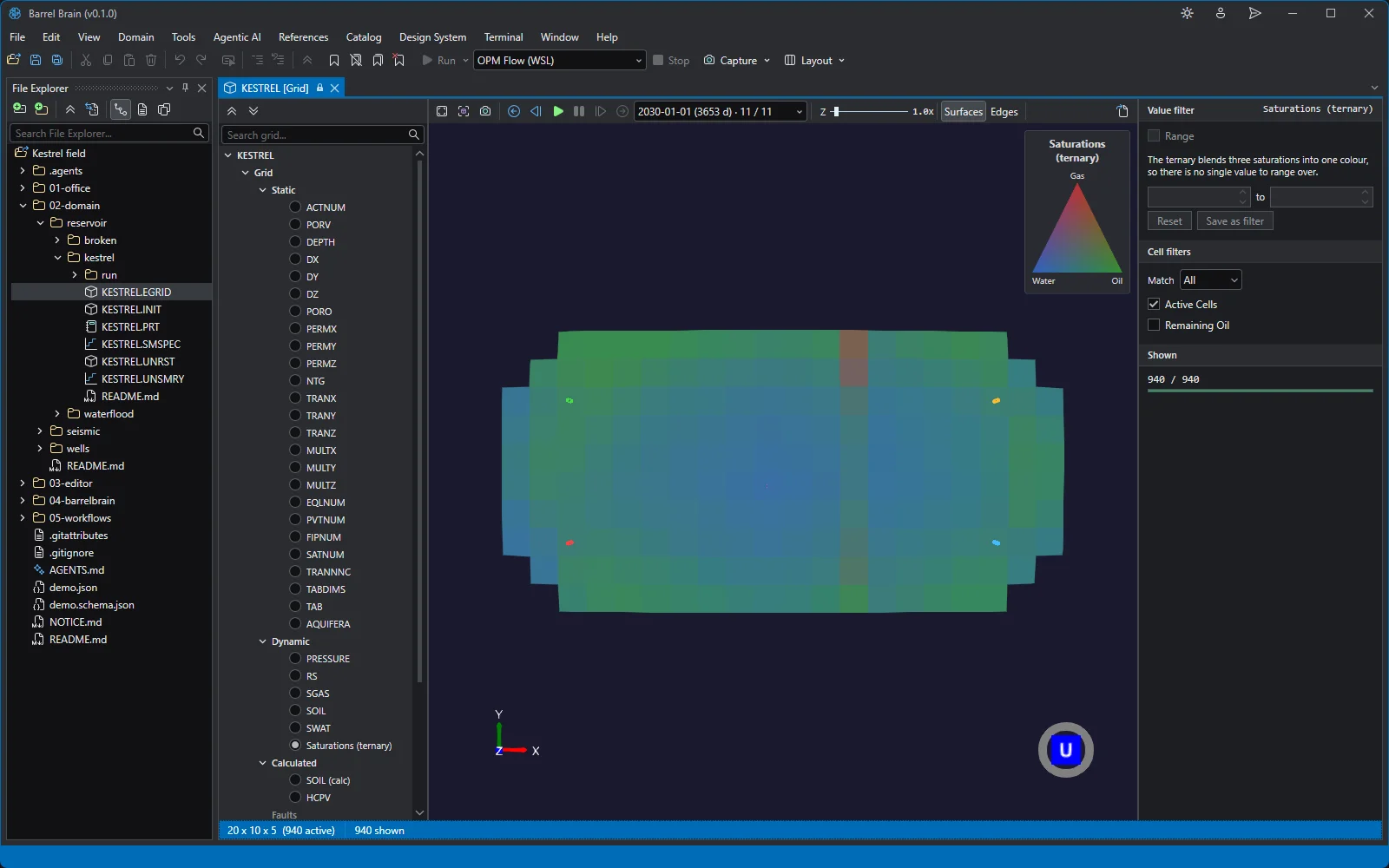
The same step coloured by the three saturations blended: gas, oil and water in one colour. INIT arrays
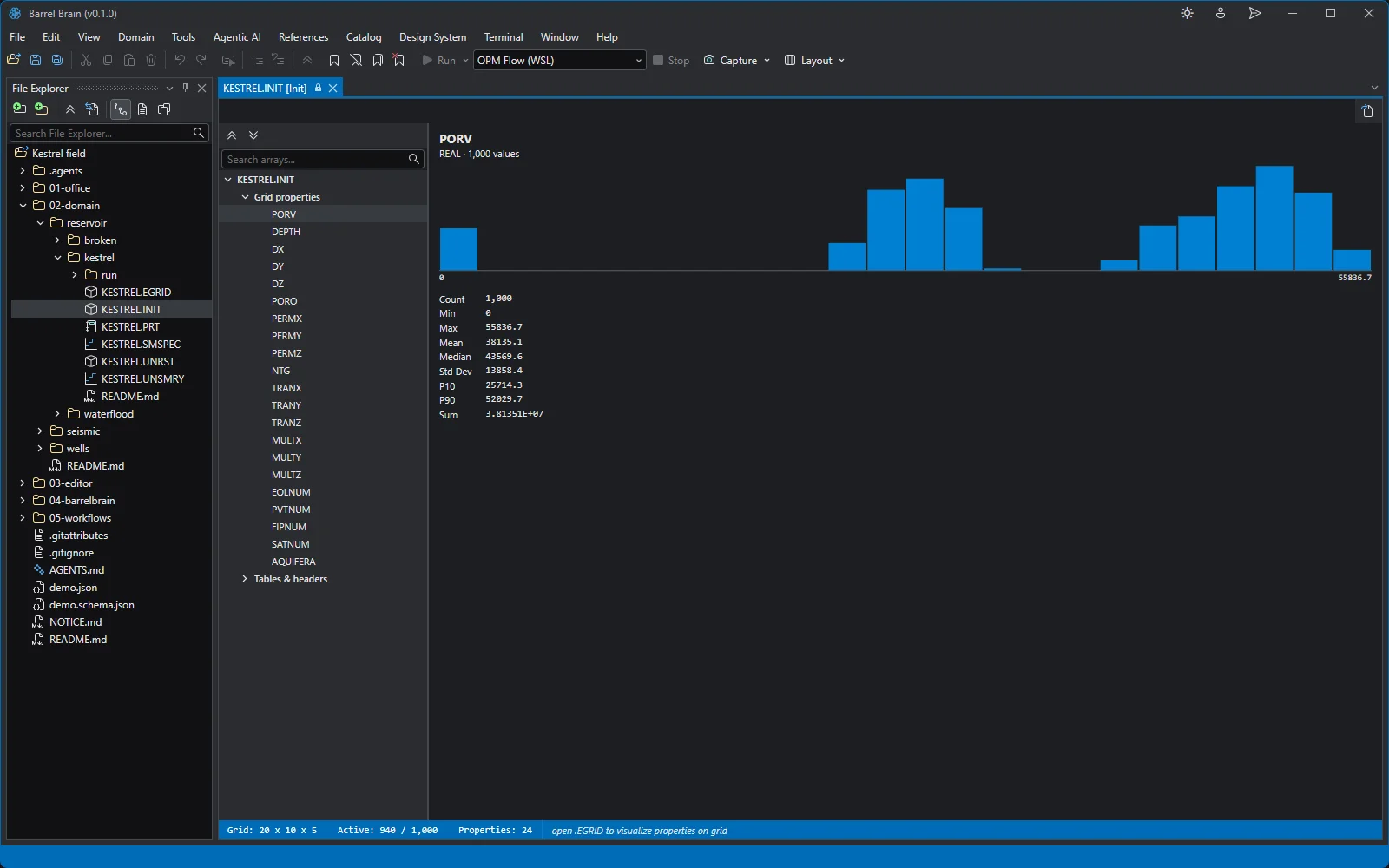
The INIT file as a table of its static arrays: PORO, PERMX, NTG, SATNUM, FIPNUM and the rest. Restart arrays
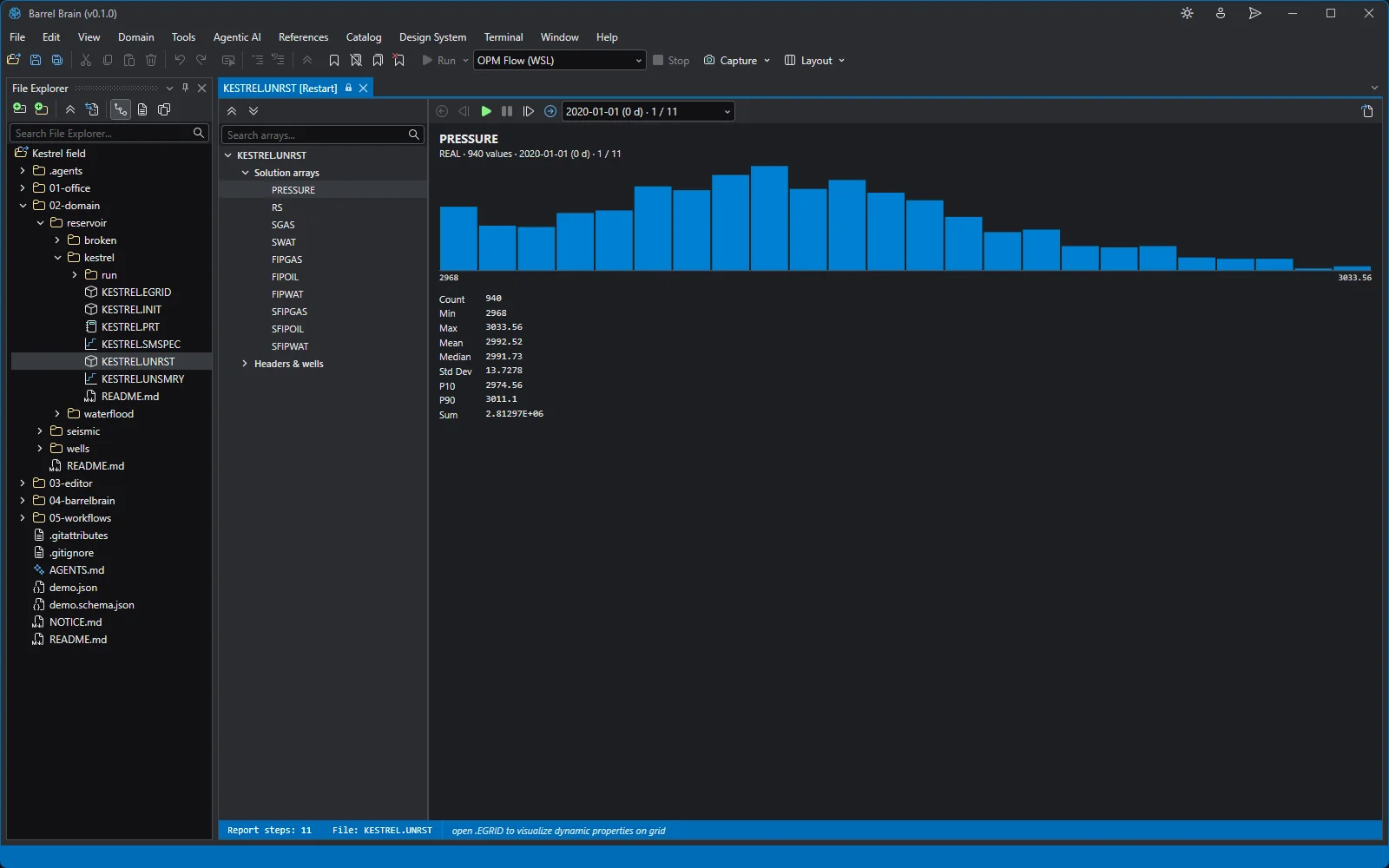
The restart file: a step a year, each with its pressure, saturations and dissolved gas. Summary: oil rate against history
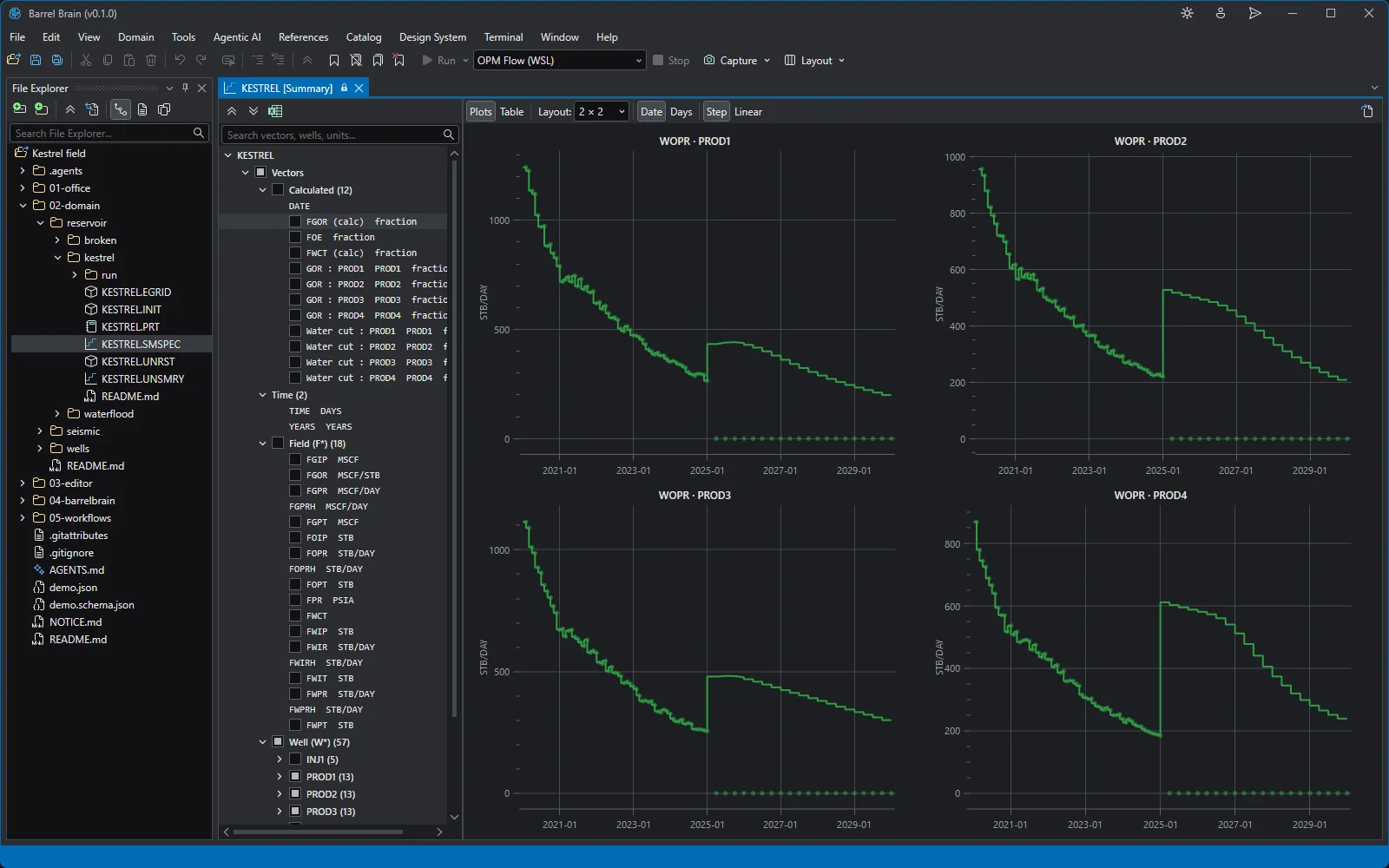
Each producer's simulated oil rate against its observed history, ten years, one plot per well. Summary: field pressure
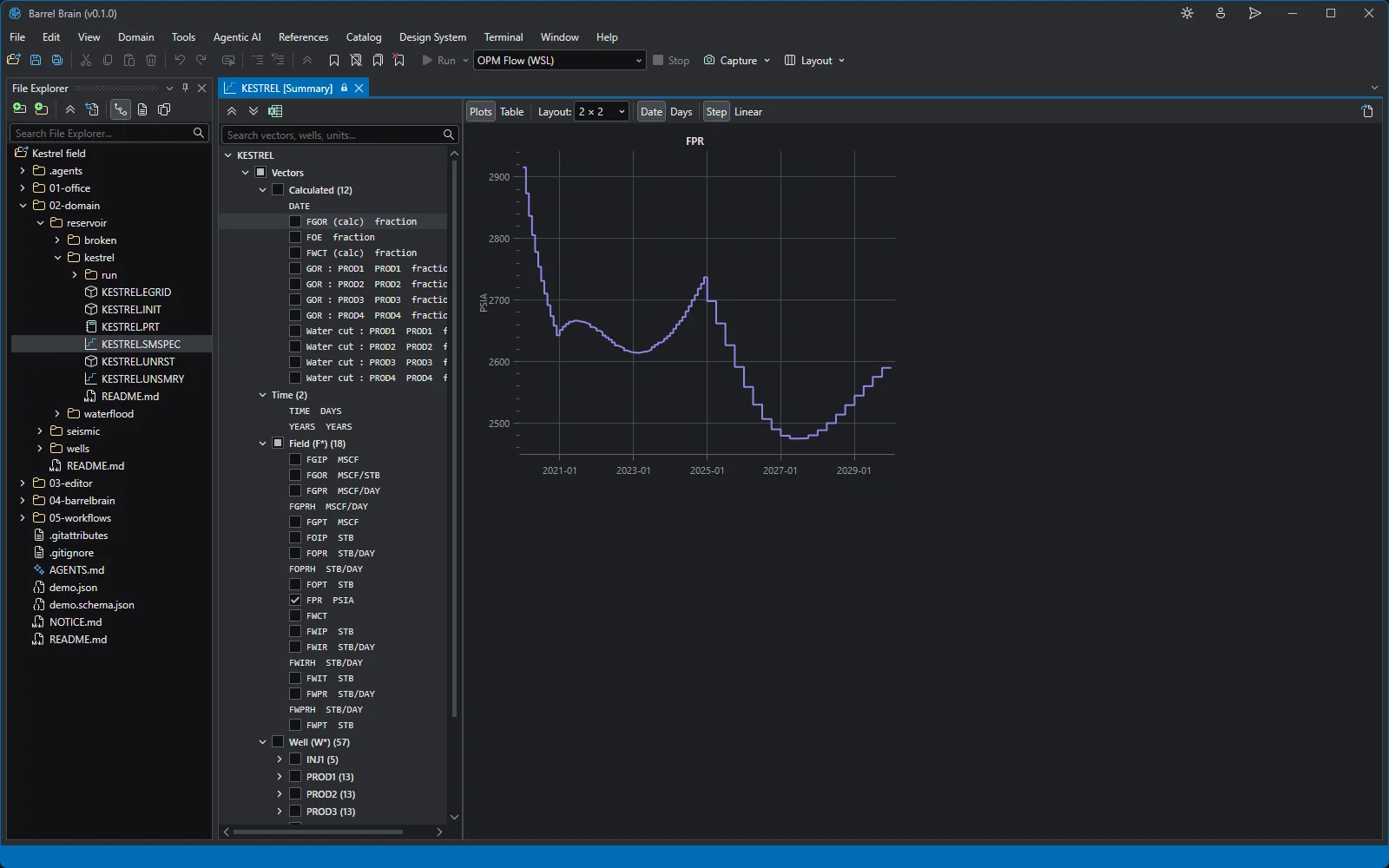
The field pressure over the ten years of history and forecast. Run log
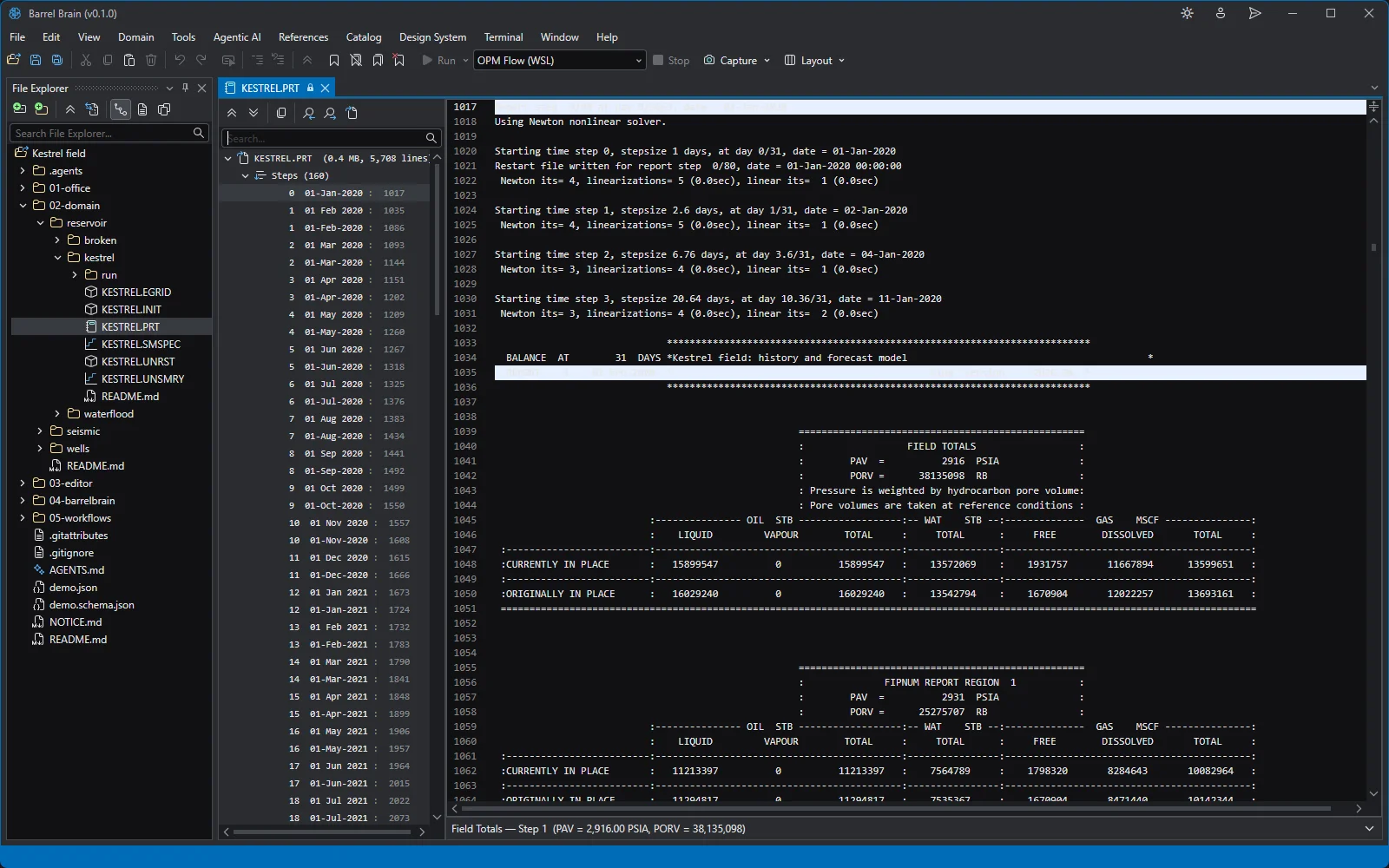
The OPM Flow run log in the PRT viewer: messages, report steps and the fluids in place.
Editor
Python
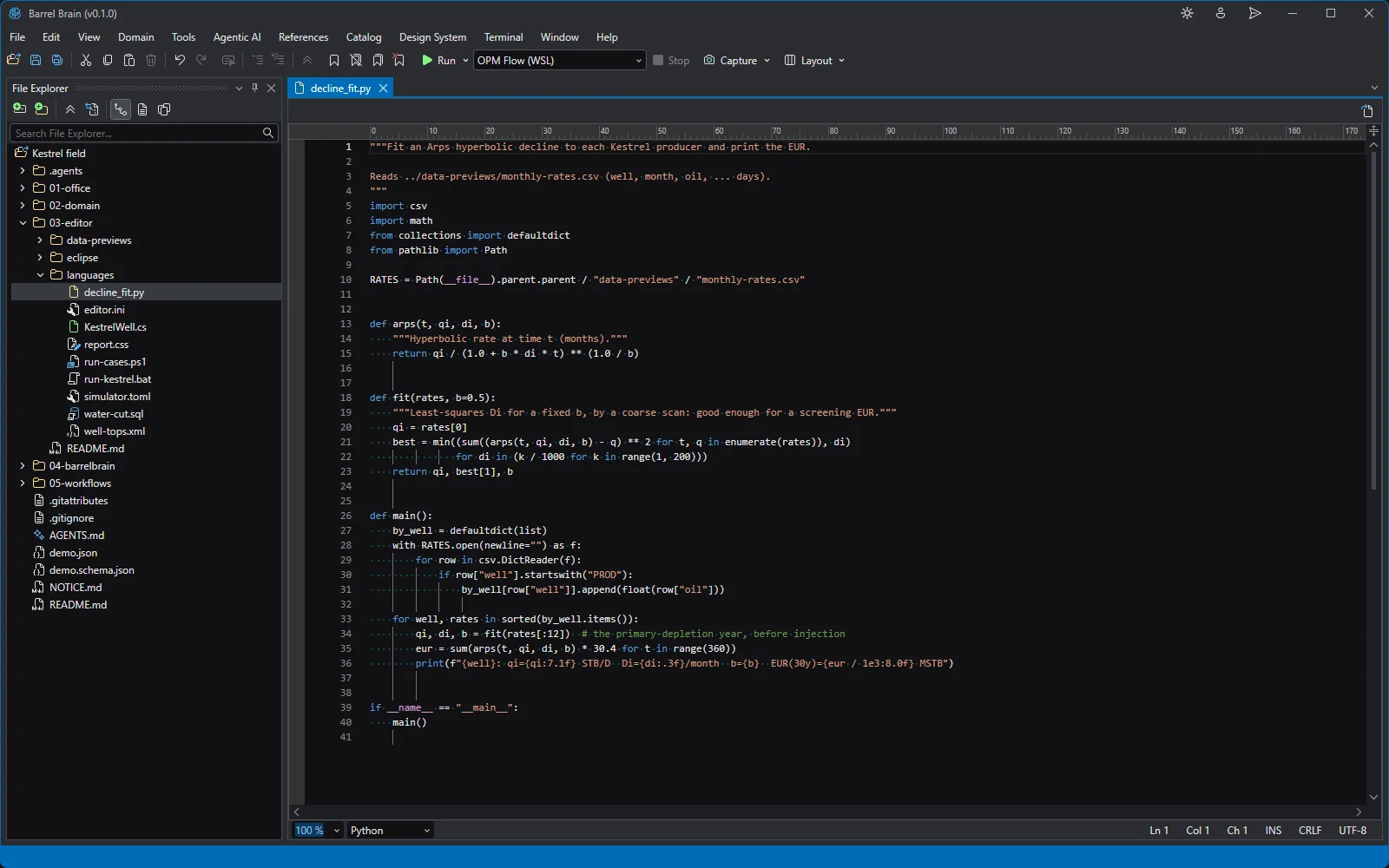
Python in the syntax editor: an Arps decline fit over the Kestrel monthly rates. PowerShell
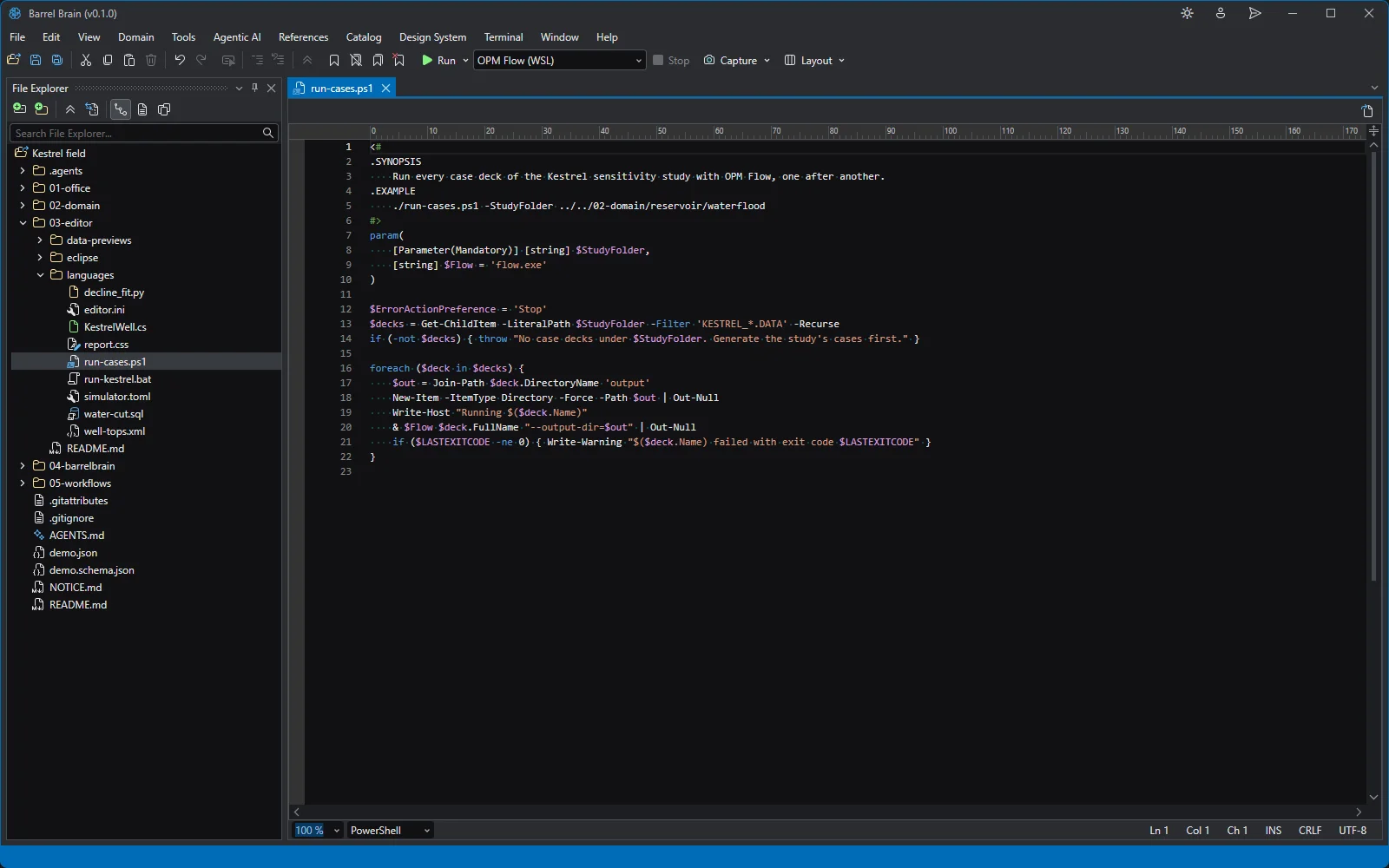
PowerShell: run every case of the sensitivity study. C#
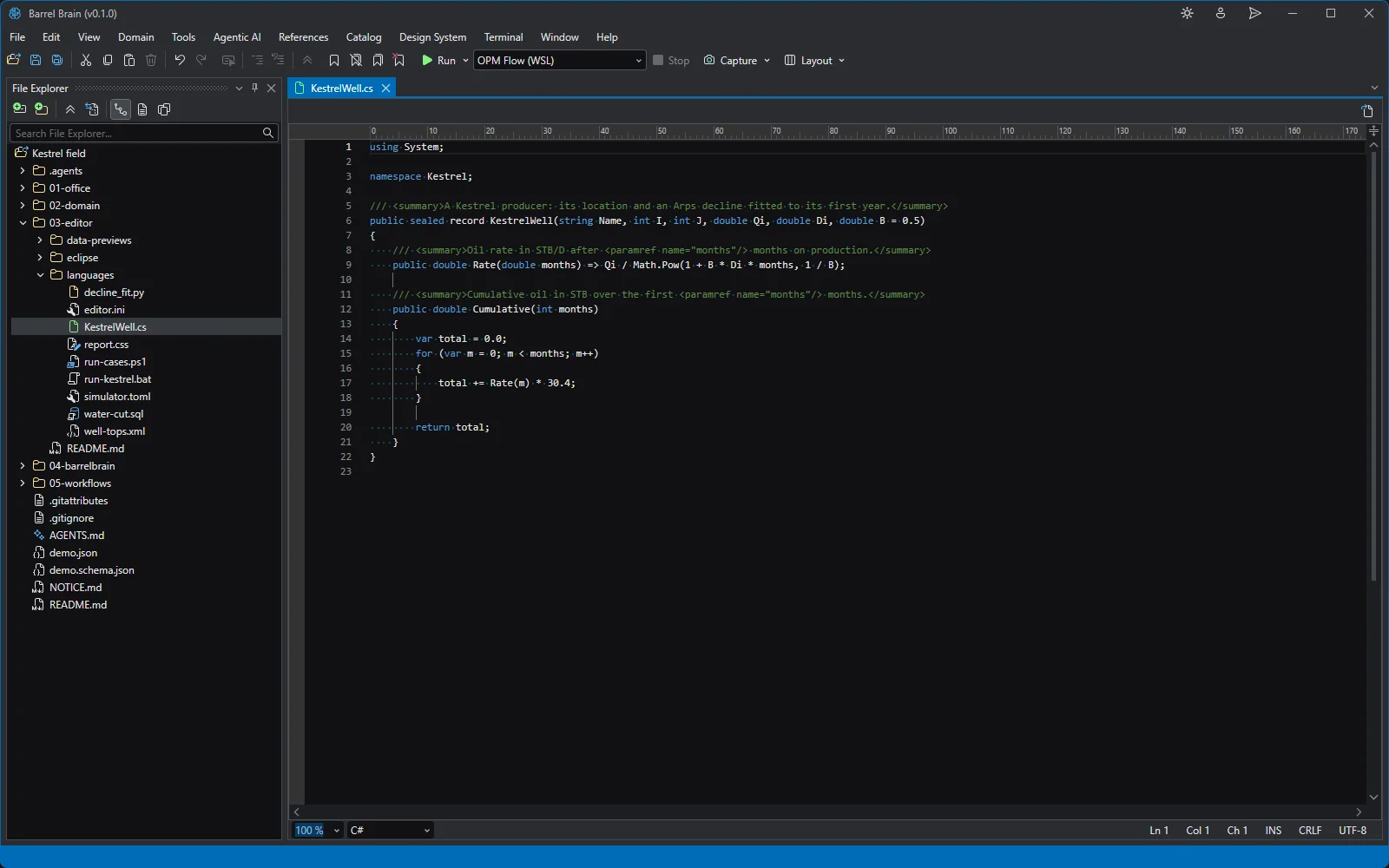
C#: a Kestrel producer and its decline. SQL
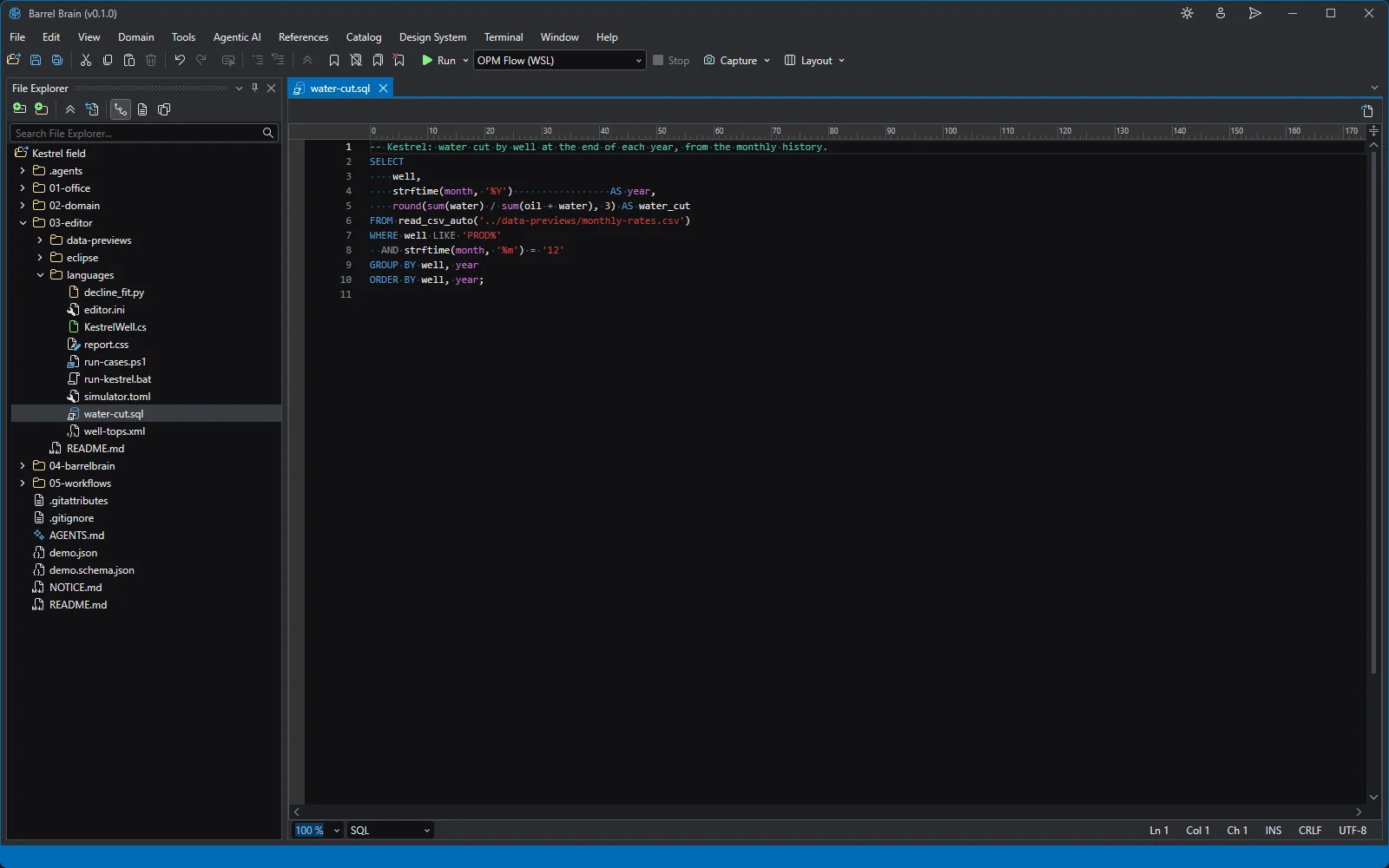
SQL: water cut by well and year. CSV as a table
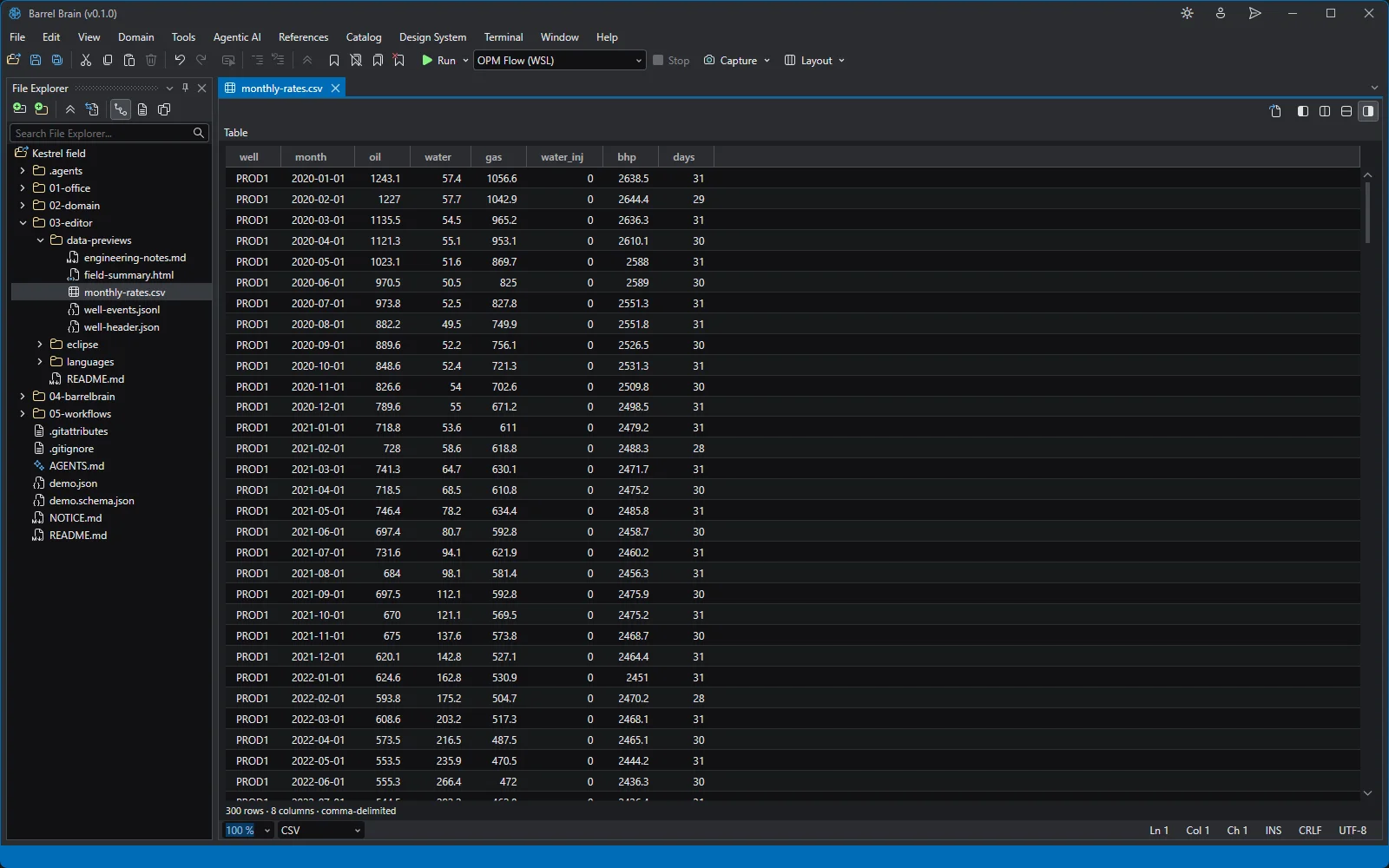
A CSV file opens as a table: 300 rows of Kestrel monthly rates. JSON tree
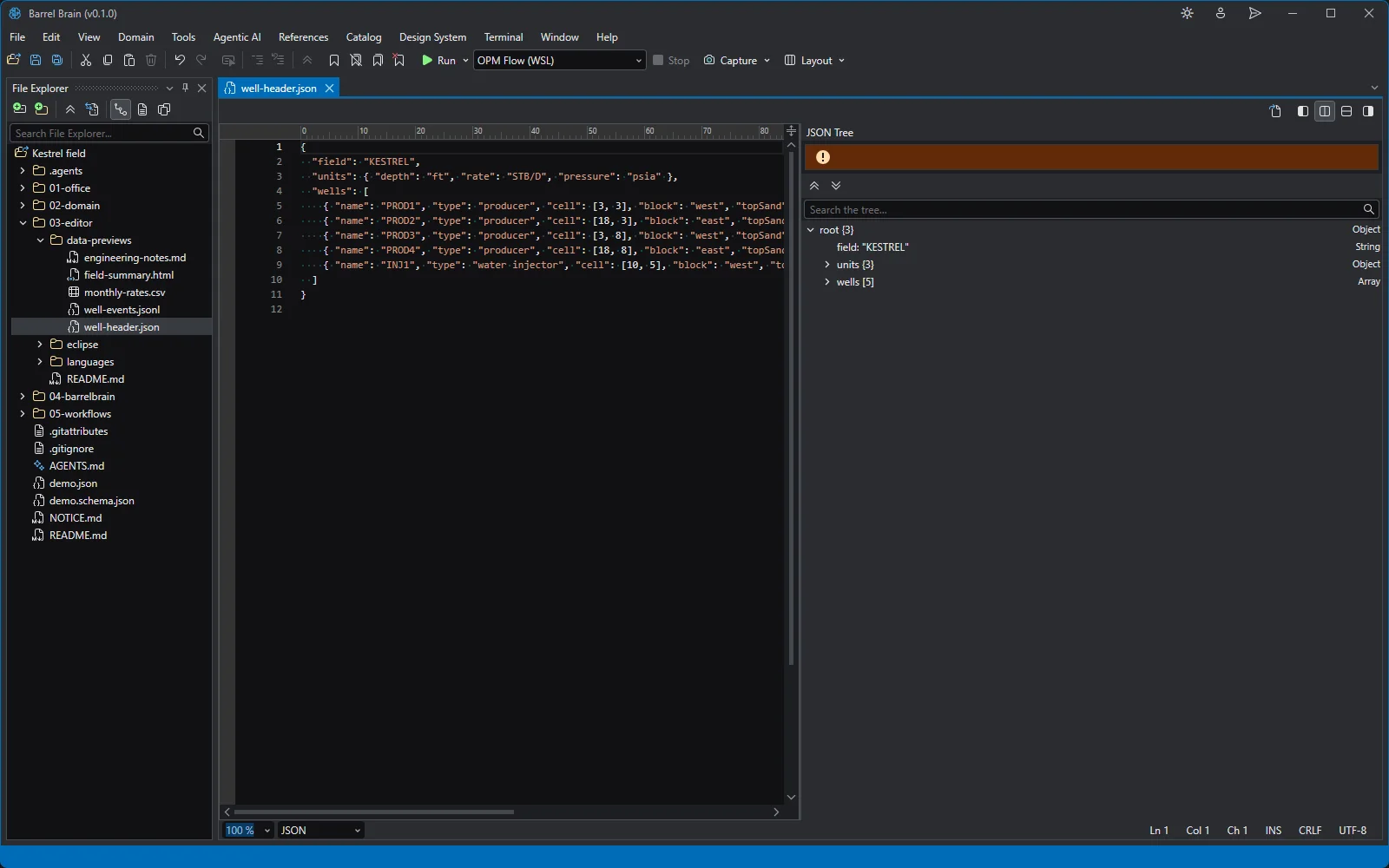
A JSON file with its tree beside the source. HTML result
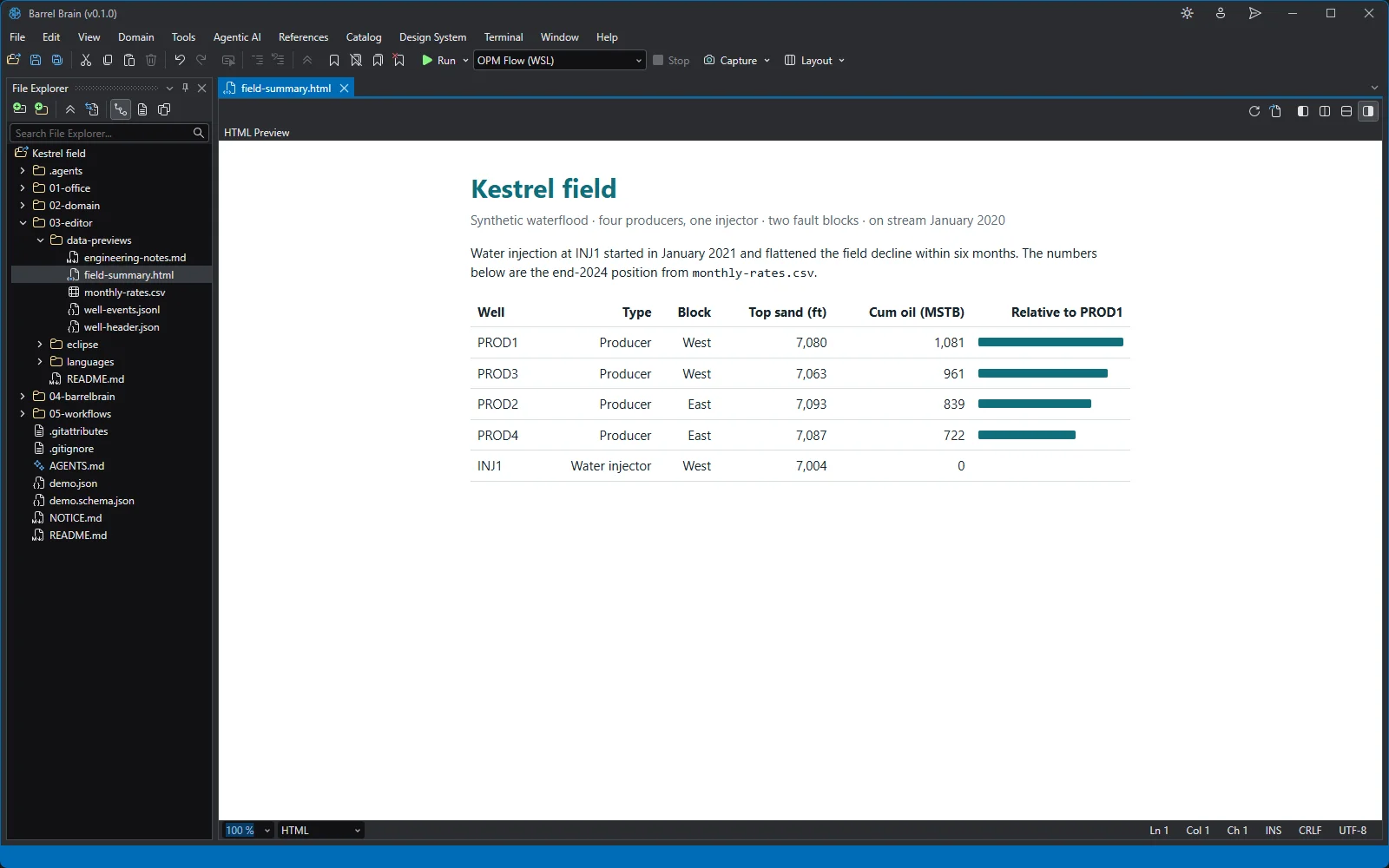
An HTML page rendered in the editor: the Kestrel field summary. Markdown preview
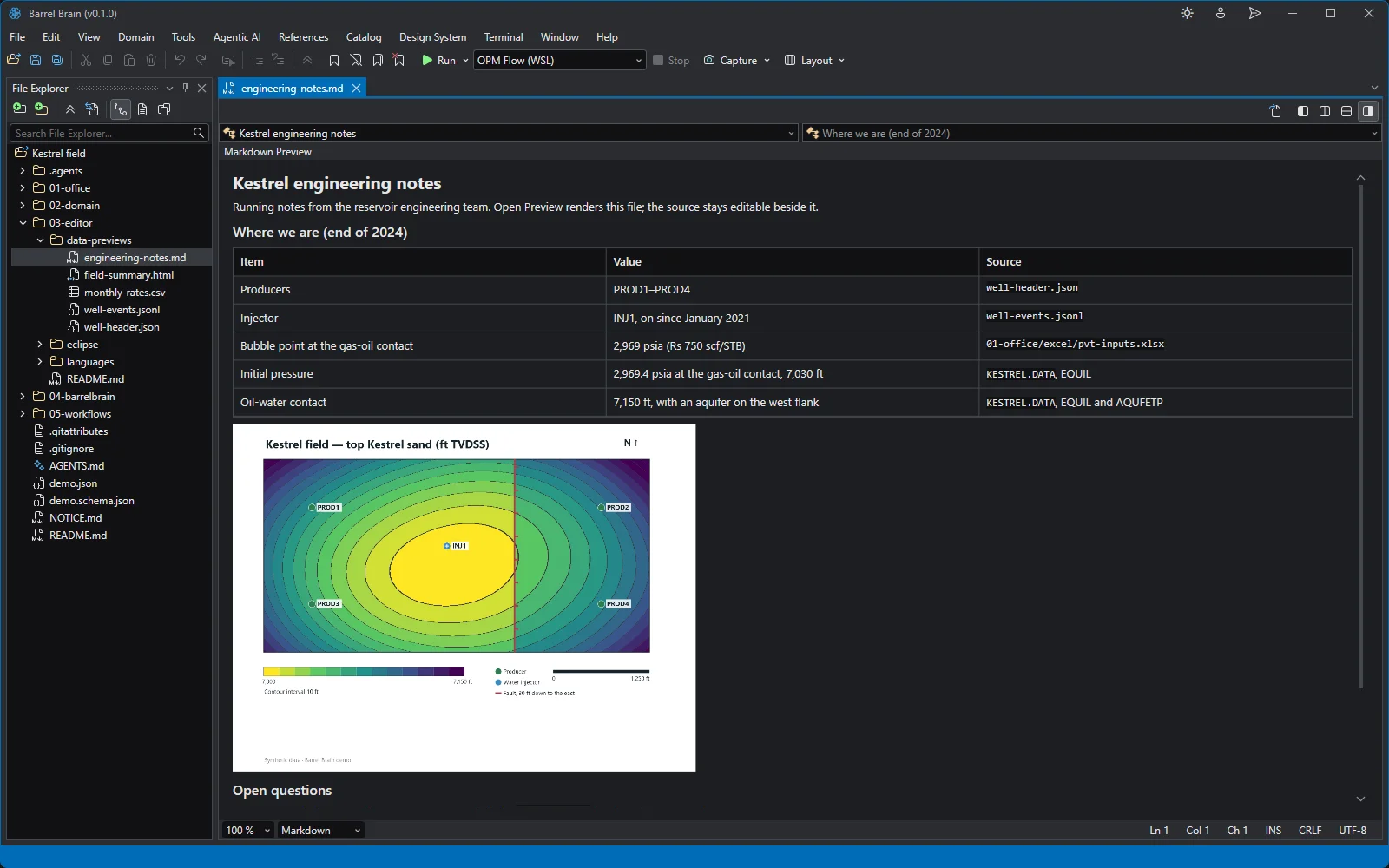
The engineering notes rendered: a table, a numbered list and the structure map. Deck to edit
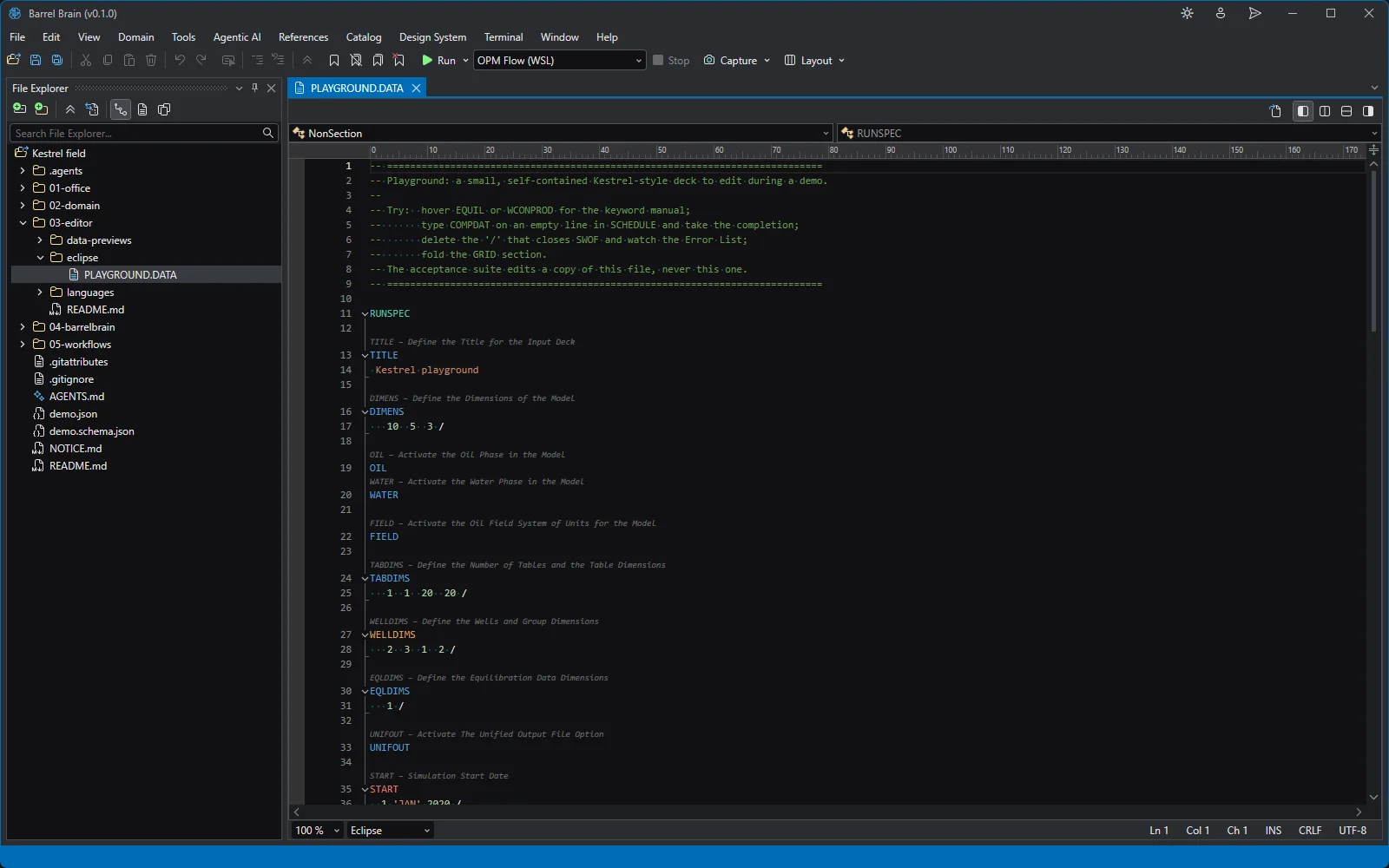
A small deck to edit live, with folding, completion and keyword documentation.
Platform
Query over Excel
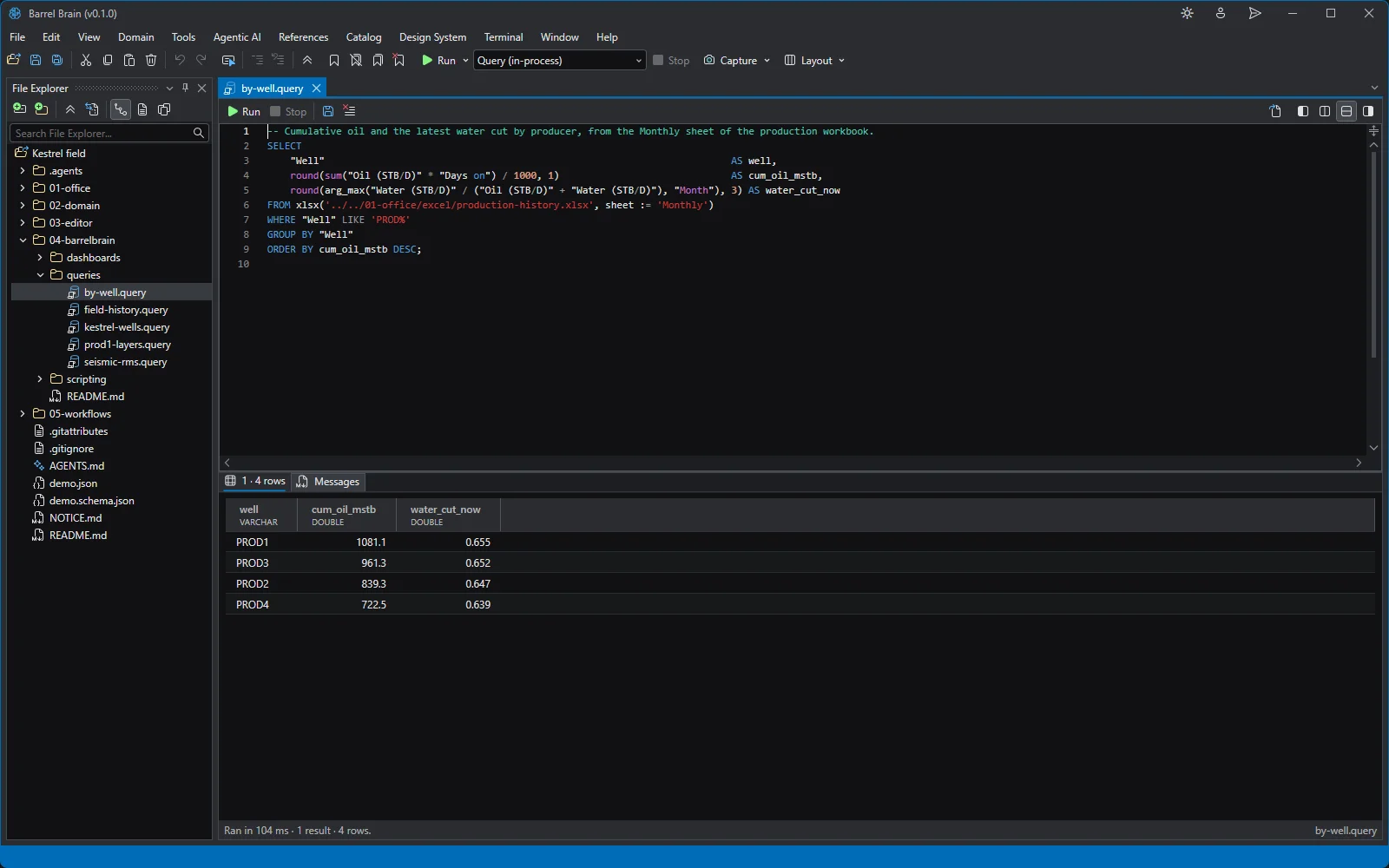
SQL over the Excel workbook: cumulative oil and the latest water cut by producer. Query over a summary
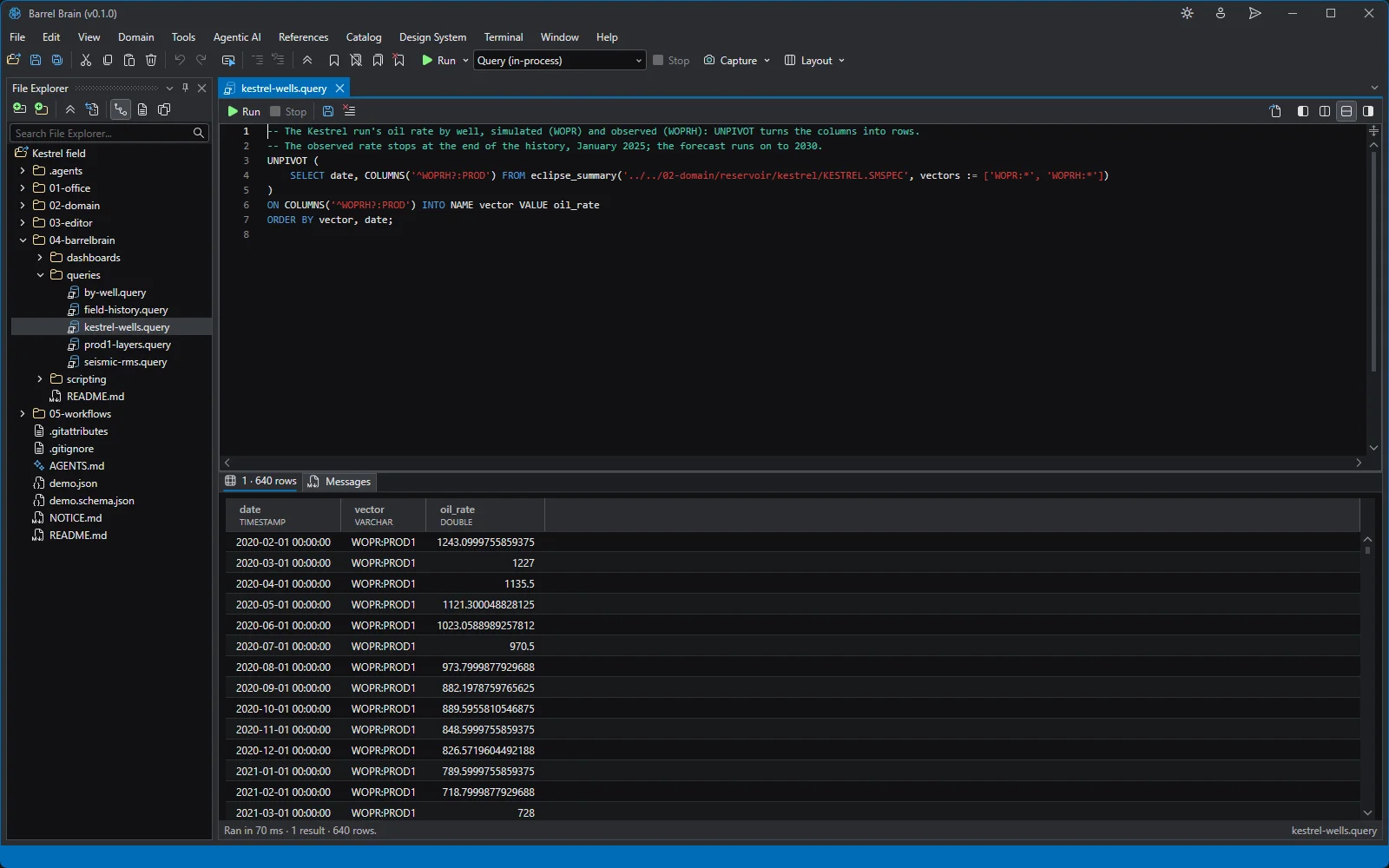
SQL over the simulation summary: simulated and observed oil rate by well, as rows.
Workflows
Workflow: a good run
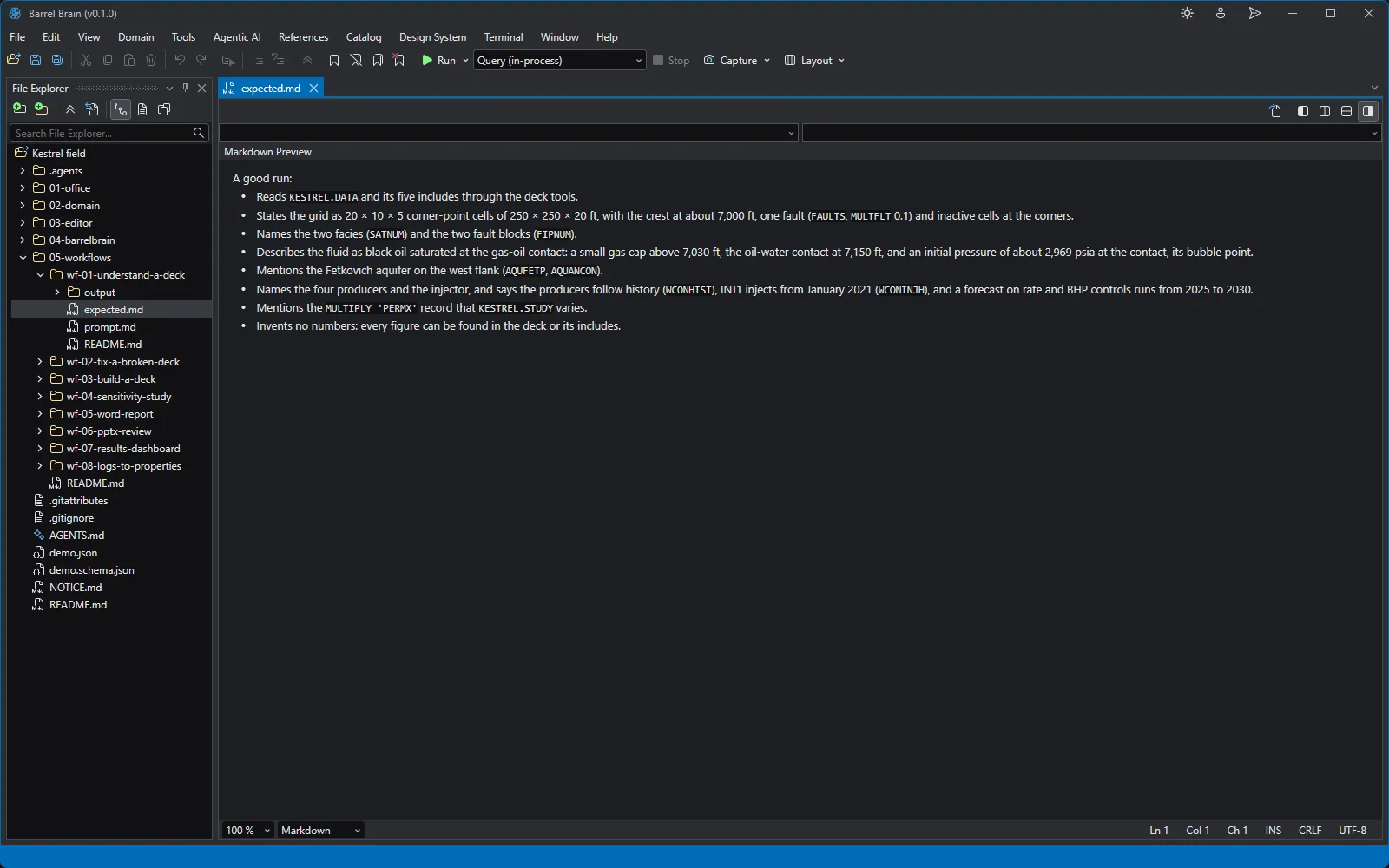
An AI-assisted workflow's checklist, rendered: what a good agent run states about the deck, for a person to tick off.