Office Productivity Suite
The report, built from the tables you checked
Today an engineer copies numbers from one tool to the next and pastes charts into PowerPoint by hand. Here the agent reads and writes Excel, Word and PowerPoint directly, from the same tables and charts you already checked, with tools that keep a record.
The brief
“Our producers are going onto lift next year. Size an ESP for each well against its inflow, compare it with gas lift, and put the comparison in a deck for Thursday.”
IPR · multiphase VFP · ESP design · gas-lift valves · PowerPoint
The engineering runs through the libraries. The comparison table lands in a workbook. The deck is laid out slide by slide from that table. You check the table once, and every slide inherits it.
What the agent does with each format
The files your team already uses
No conversion and no new format. The agent works on the workbooks, documents and decks already in the project folder.
.xlsx
Excel
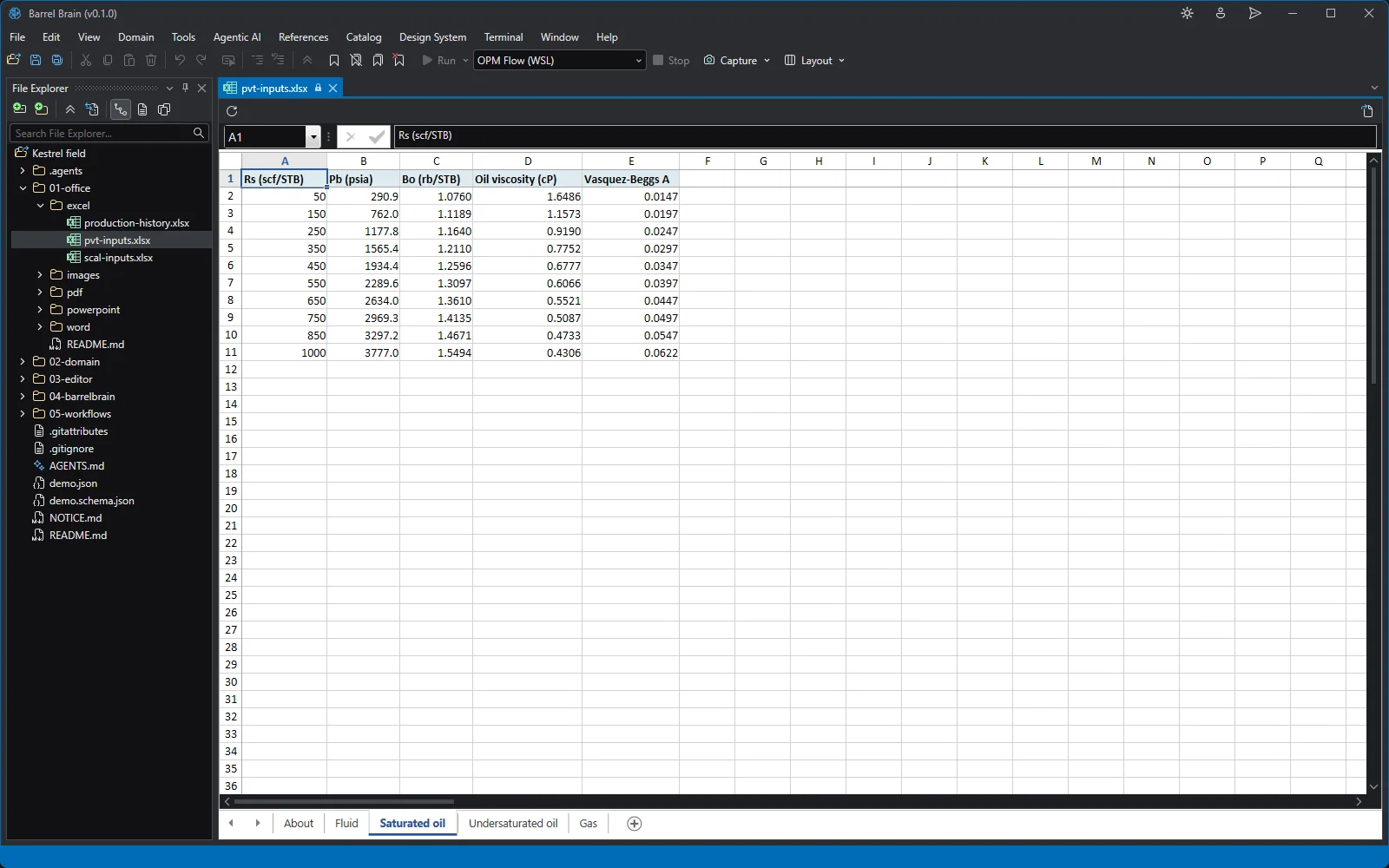
Reads and writes cells, sheets, names and charts. Case matrices, production tables, PVT and SCAL inputs with live formulas.
excel_workbook_create · excel_chart_create.docx
Word
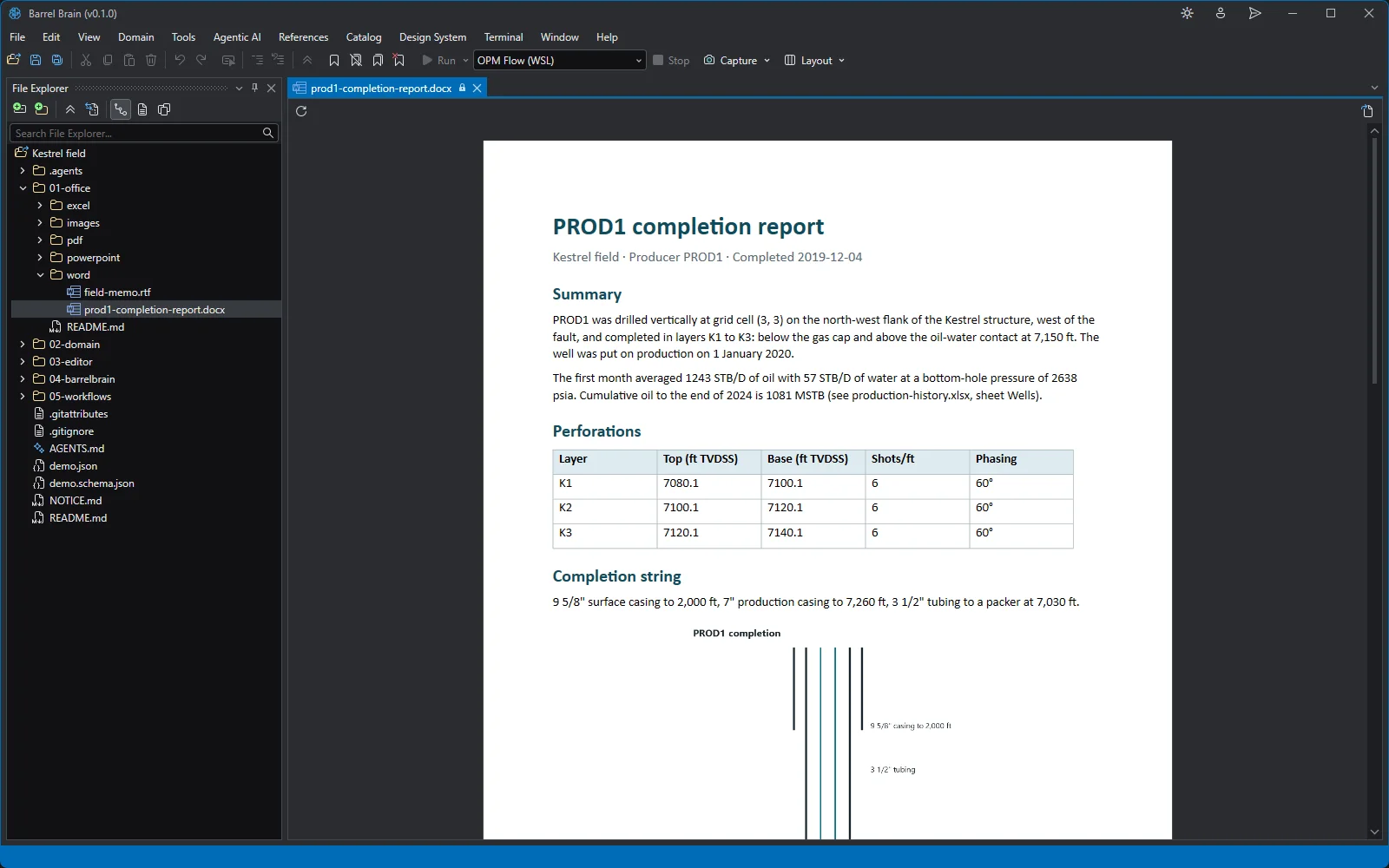
Drafts the study report with the key findings, and reads the completion reports and memos already in the folder.
word_content_read · report drafting.pptx
PowerPoint
Lays out the slides, tables and charts for the management review, from the numbers you checked.
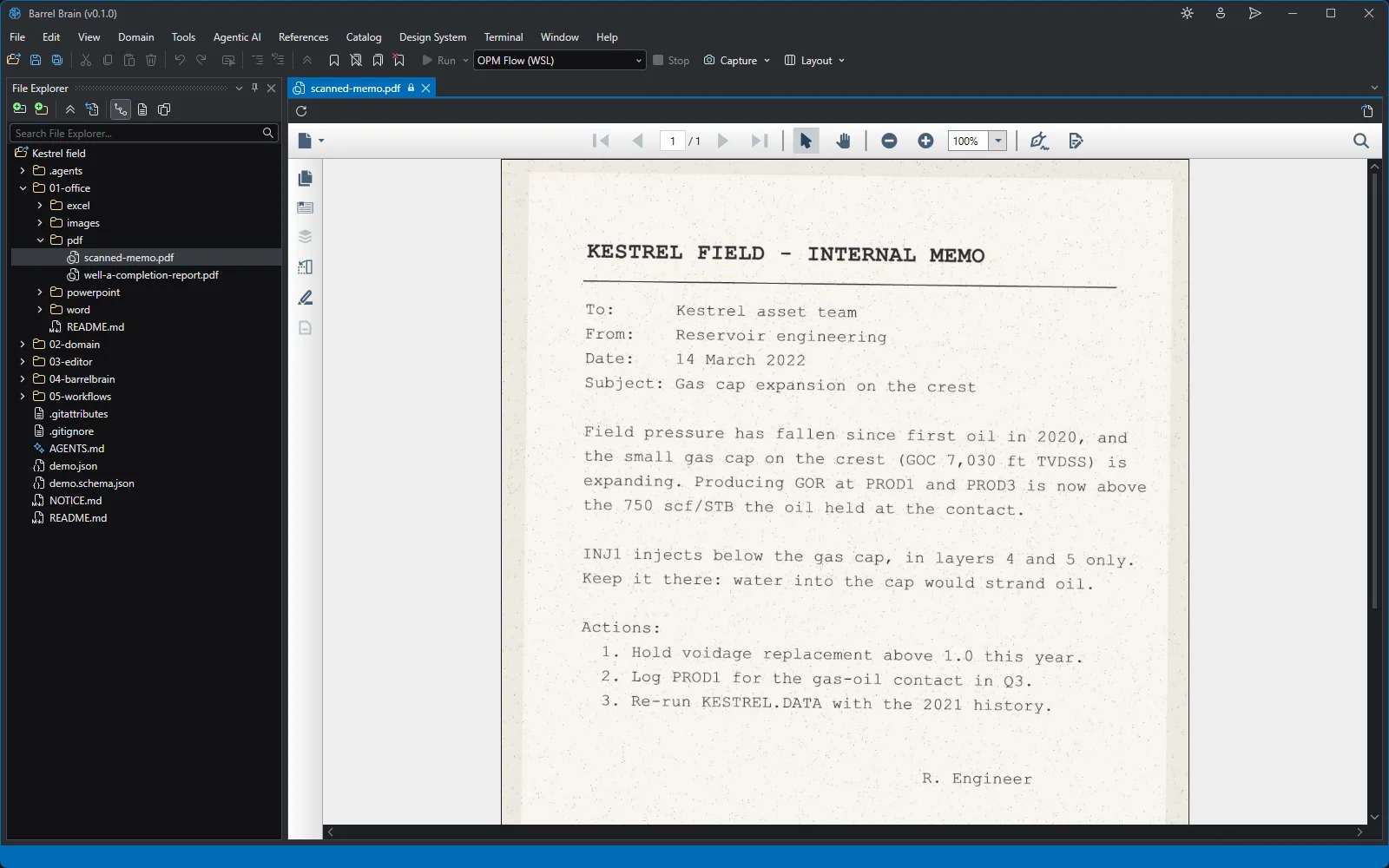
pptx_slide_add · pptx_table_addReads service-company reports and lab reports, including scanned pages, so the raw inputs reach the model.
pdf_readNever a stale screenshot
Pair a report with a live dashboard: when a new simulation run changes the data, the dashboard renders again, and the agent can regenerate the deck from the same query.
Verification
Open every deliverable before it leaves
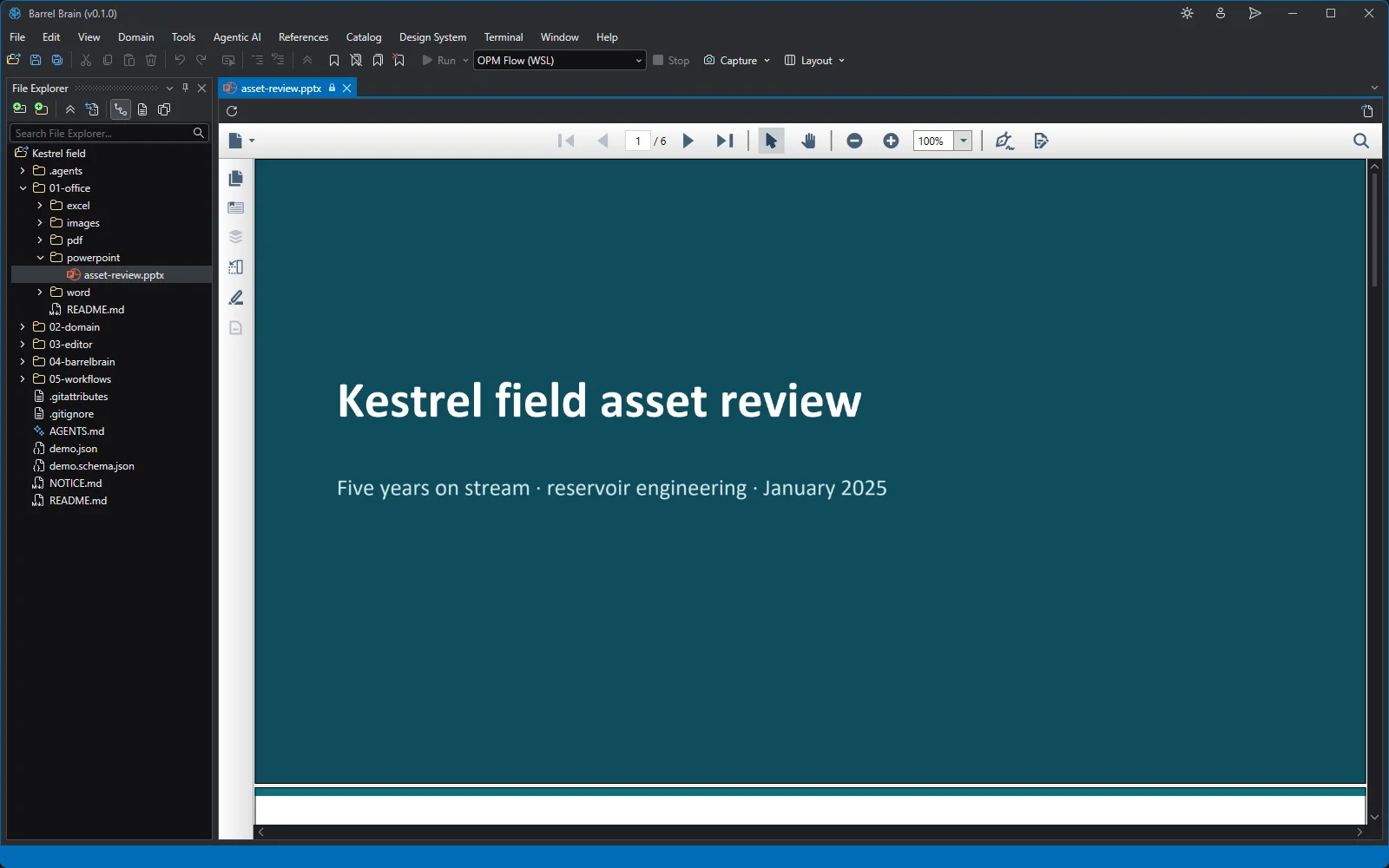
Each one opens in a viewer inside the workbench, next to the data it came from. Screenshots from the demo workspace.
Fair questions
What people ask about the deliverables
“Why not just use ChatGPT, or Copilot in Excel?”
A chat assistant answers questions. Barrel Brain does the job.
A chat window can't run your simulator, read your binary results, edit a deck and rerun it, or keep a project folder that a colleague can pick up next week. Barrel Brain's agent works in the project with 200+ tools and leaves files behind. You get a model, a study, a dashboard and a report, not a paragraph of advice.
“We already have Petrel, a simulator, Excel and Python.”
Keep them. The agent works with the tools you already have, so you don't have to migrate anything to start.
Any simulator you can start from the command line, such as Eclipse or OPM Flow, runs from a launch profile. The agent reads and writes your workbooks directly, without converting them. If Python is installed, it writes and runs Python in the built-in terminal, so your team's scripts keep working, and scripts can drive Petroleum Experts IPM through OpenServer.