The workbench
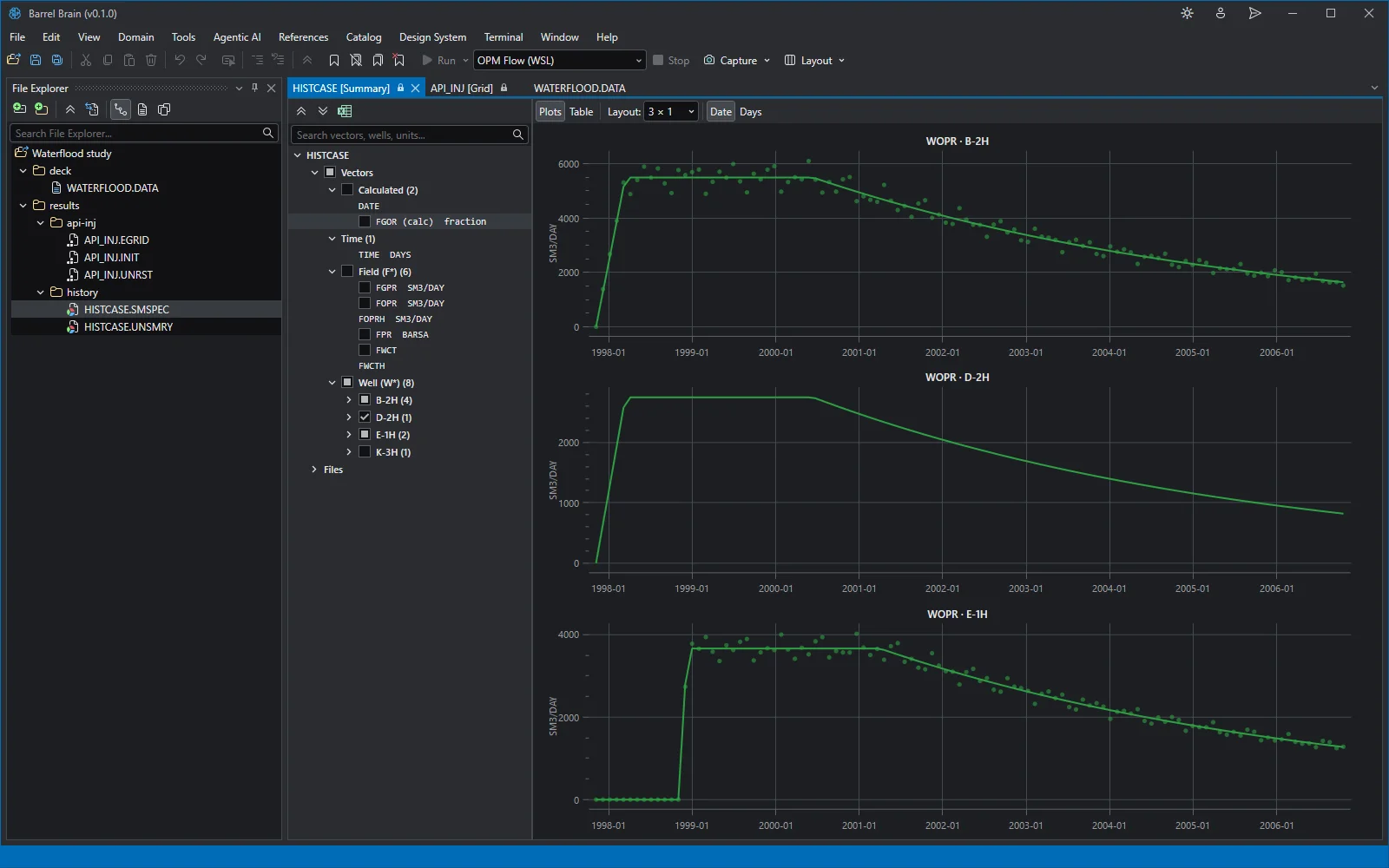
A reservoir model, the way you already keep it: a deck, its results and the documents around them, in one folder. Barrel Brain opens the folder as a project and reads all of it.
- The project
01One folder is the project
Point Barrel Brain at the folder you already keep a model in. The deck, its results and everything beside them are in one tree, with nothing to import.
- The deck
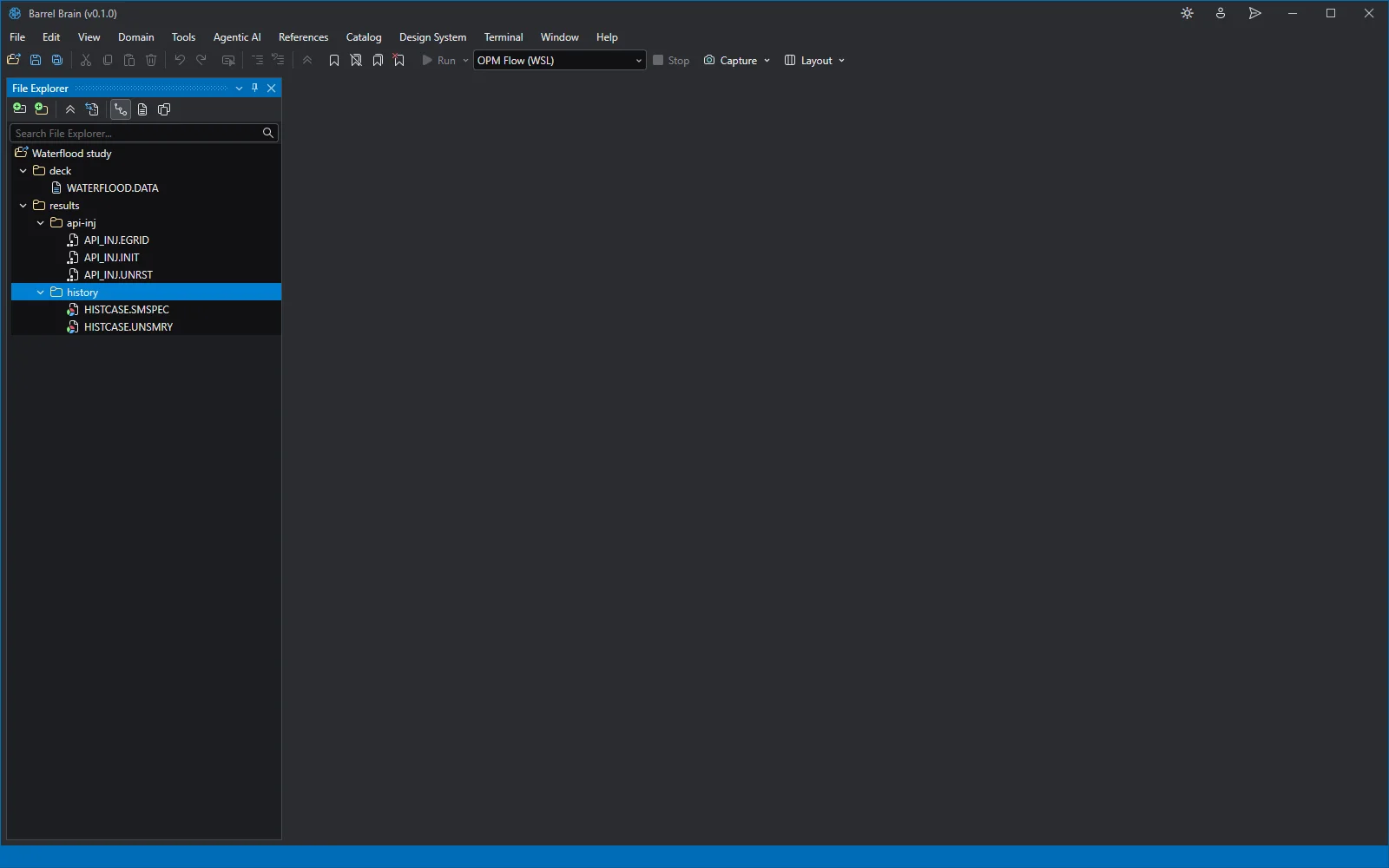
02An editor that reads Eclipse
The deck opens in an editor that knows the keywords: sections, keywords and records are highlighted, and the file is parsed as you type.
- The deck
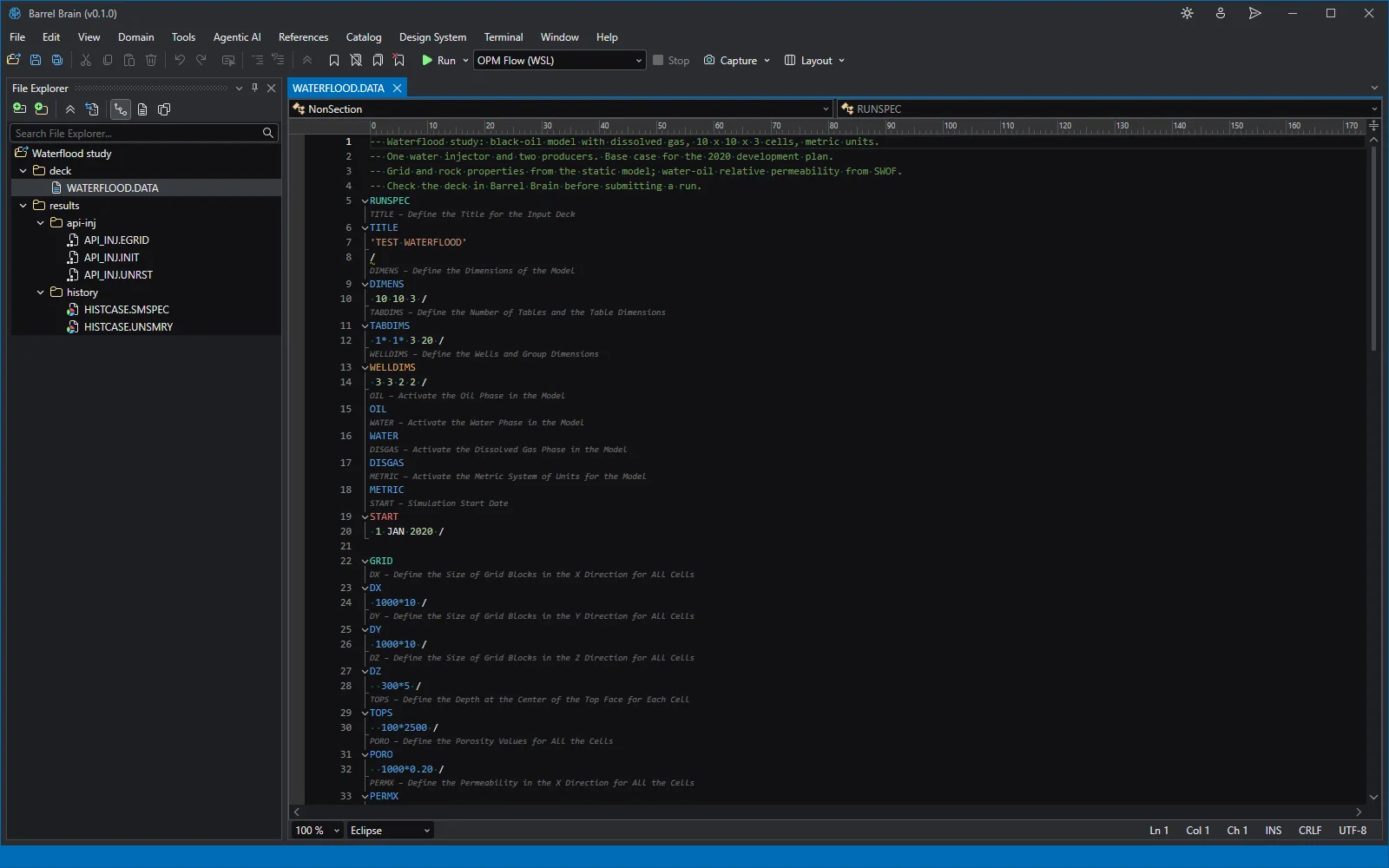
03Problems found before you run
This deck would fail the simulator. The Error List says why before a run is spent: a SWOF table with no closing slash, and grid arrays holding 1000 values for a 300-cell grid.
- Results
04The grid in 3D
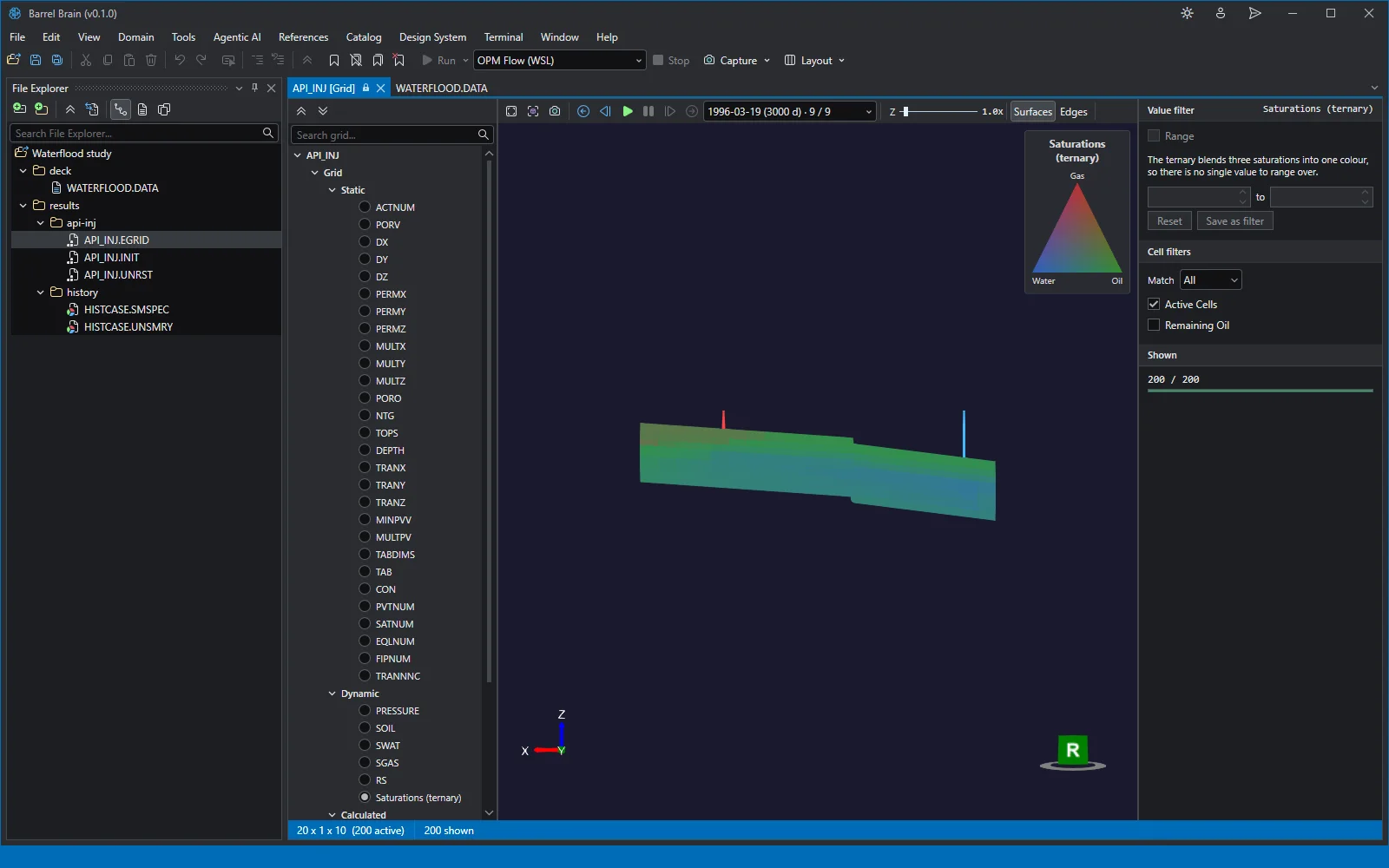
Simulation results open where they lie. The grid renders in 3D at any report step, here the last, coloured by oil, water and gas saturation blended into one colour, with the static and dynamic arrays in the tree beside it.
- Results
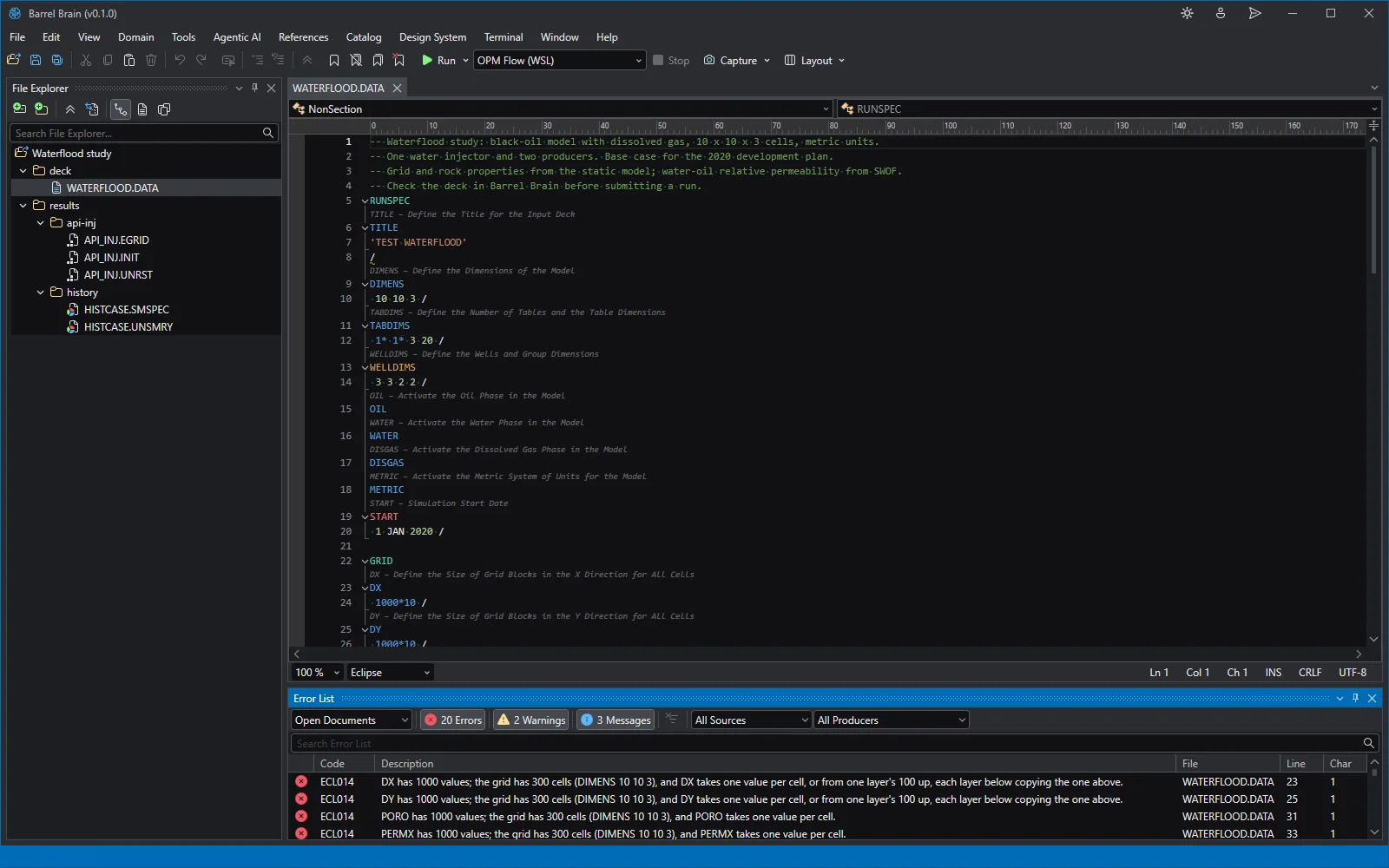
05Rates against history
One click plots every well's oil rate against its observed history, one plot per well on a shared time axis.